2 - How to Connect Bluetooth LE devices to a Windows Host
DYNAMAG, DYNAMAX, EDYNAMO, UDYNAMO, ADYNAMO, MDYNAMO, TDYNAMO, DYNAWAVE| SCRA Devices | MTNET Demo Guide
Page 10
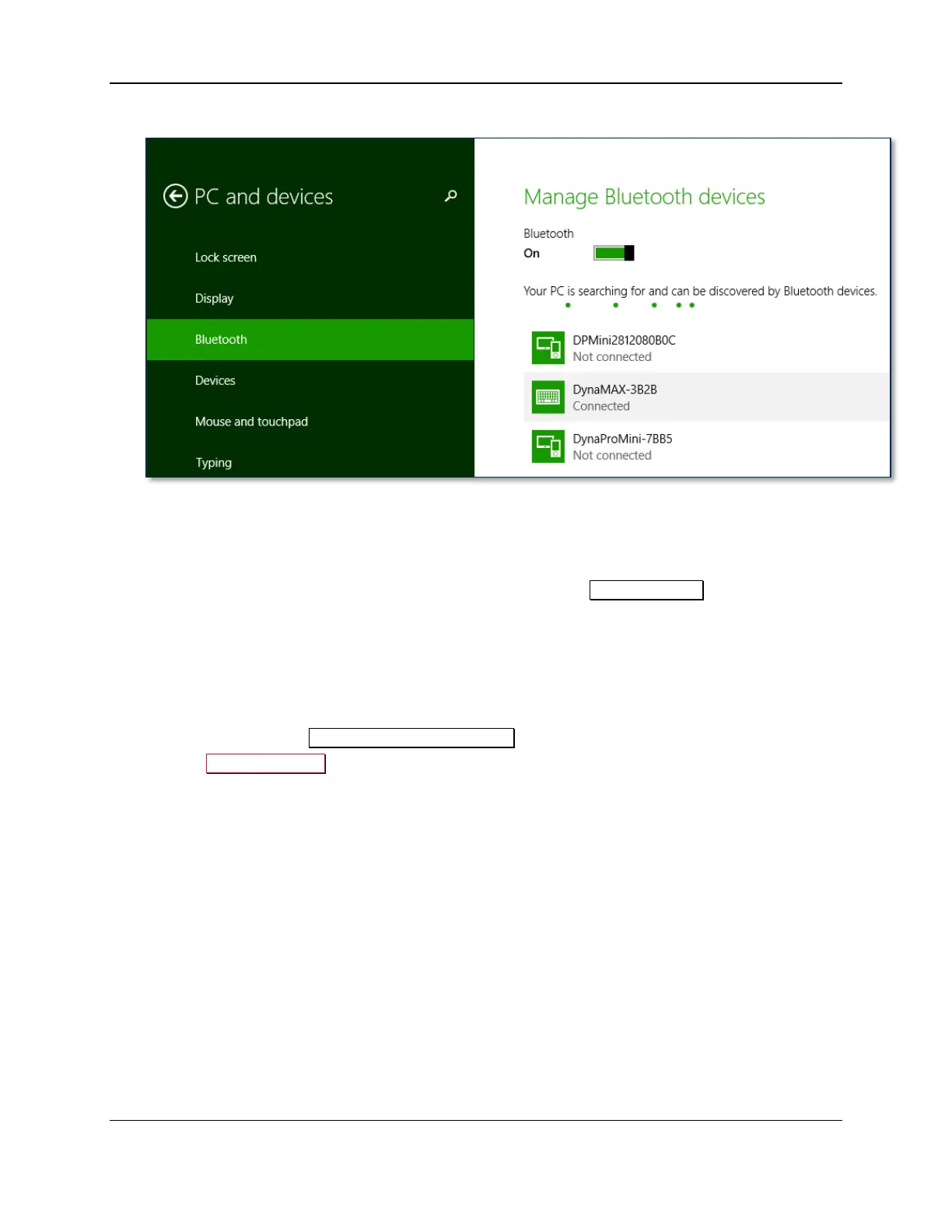
After a few seconds the device will disconnect, which is normal power-saving behavior.
13) Use the host software to test swiping a card. If you do not yet have host software and the device is
configured to run in KB mode, open any text editor and swipe a card. The card contents should
appear in the text editor.
14) The device consumes very little power when not transmitting card data, so it is not necessary to
power off the device to conserve power. If the device appears as Not connected in the Windows
list of Bluetooth devices, swiping a card should cause the device to reconnect briefly, transmit the
card data, then disconnect.
15) Remember to change the default password. See the DynaMAX Programmer’s Reference documents
for details.
To unpair from the device:
1) Locate the device in the Manage Bluetooth devices window.
2) Press the Remove device button.



 To Next Page