2 - How to Connect Bluetooth LE devices to a Windows Host
DYNAMAG, DYNAMAX, EDYNAMO, UDYNAMO, ADYNAMO, MDYNAMO, TDYNAMO, DYNAWAVE| SCRA Devices | MTNET Demo Guide
Page 9
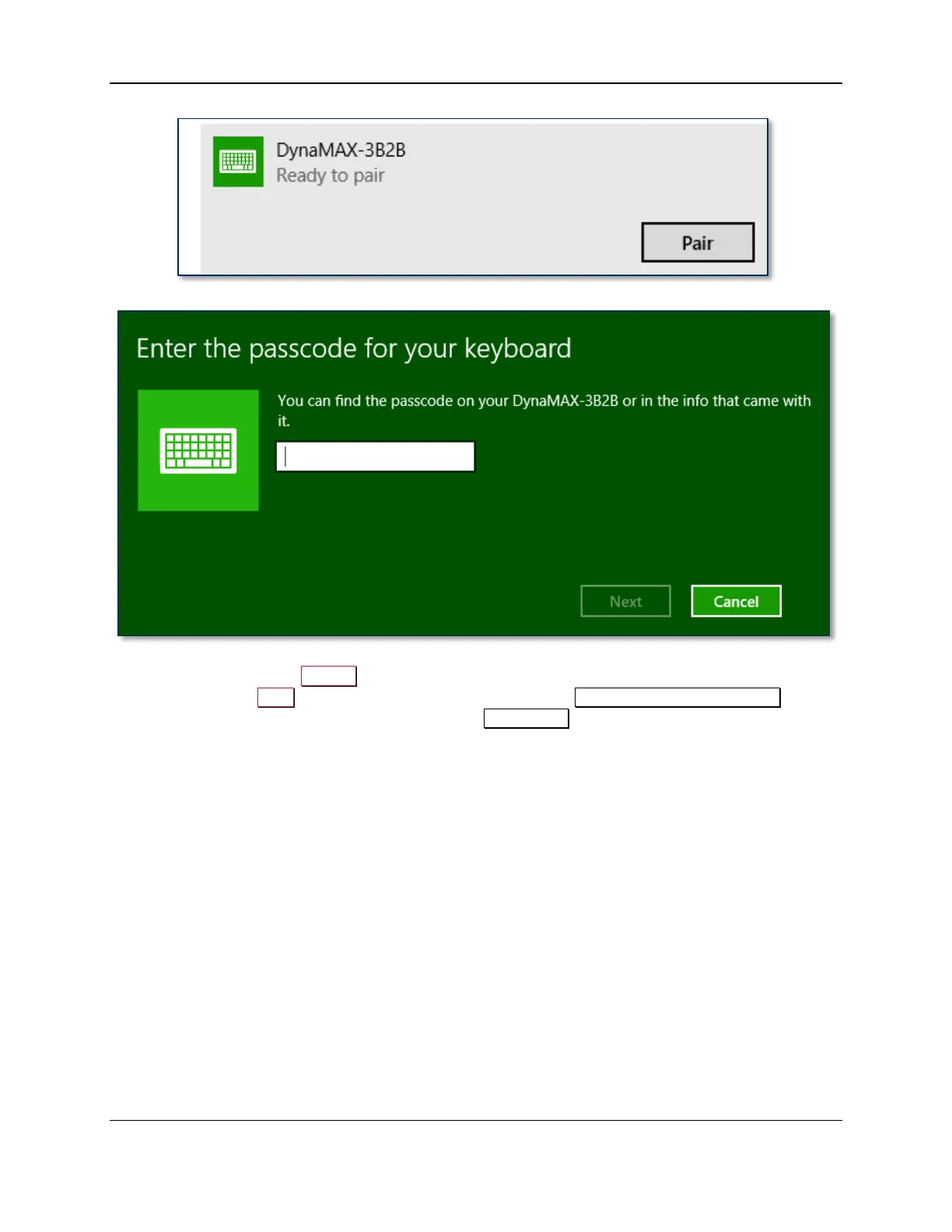
12) Enter default passcode 000000 (or the device’s actual password if it has been configured differently),
then press the Next button. Windows will return you to the Manage Bluetooth devices page.
After a short period of time, you will see the text Connected below the device you are pairing with.



 To Next Page