4 - How to use the MTNET Demo
DYNAMAG, DYNAMAX, EDYNAMO, UDYNAMO, ADYNAMO, MDYNAMO, TDYNAMO, DYNAWAVE| SCRA Devices | MTNET Demo Guide
Page 18
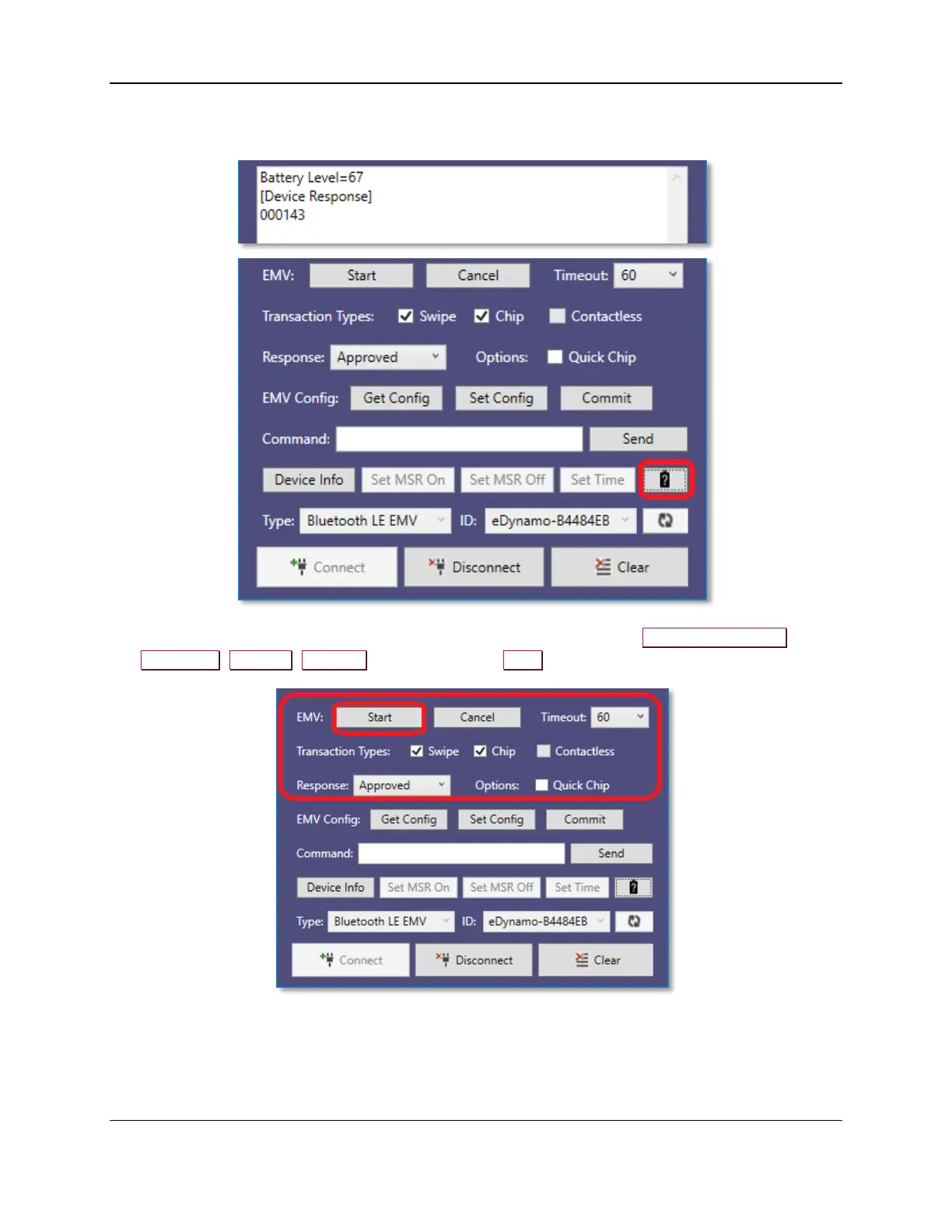
10) To retrieve the battery level of the device, press the Battery button.
Note: When powered by USB, the level returns as 100%.
11) If you have an EMV device and want to read a chip card, select from the Transaction Types,
Response, Options, Timeout, and then press the Start button to begin an EMV transaction.



 To Next Page