4 - How to use the MTNET Demo
DYNAMAG, DYNAMAX, EDYNAMO, UDYNAMO, ADYNAMO, MDYNAMO, TDYNAMO, DYNAWAVE| SCRA Devices | MTNET Demo Guide
Page 17
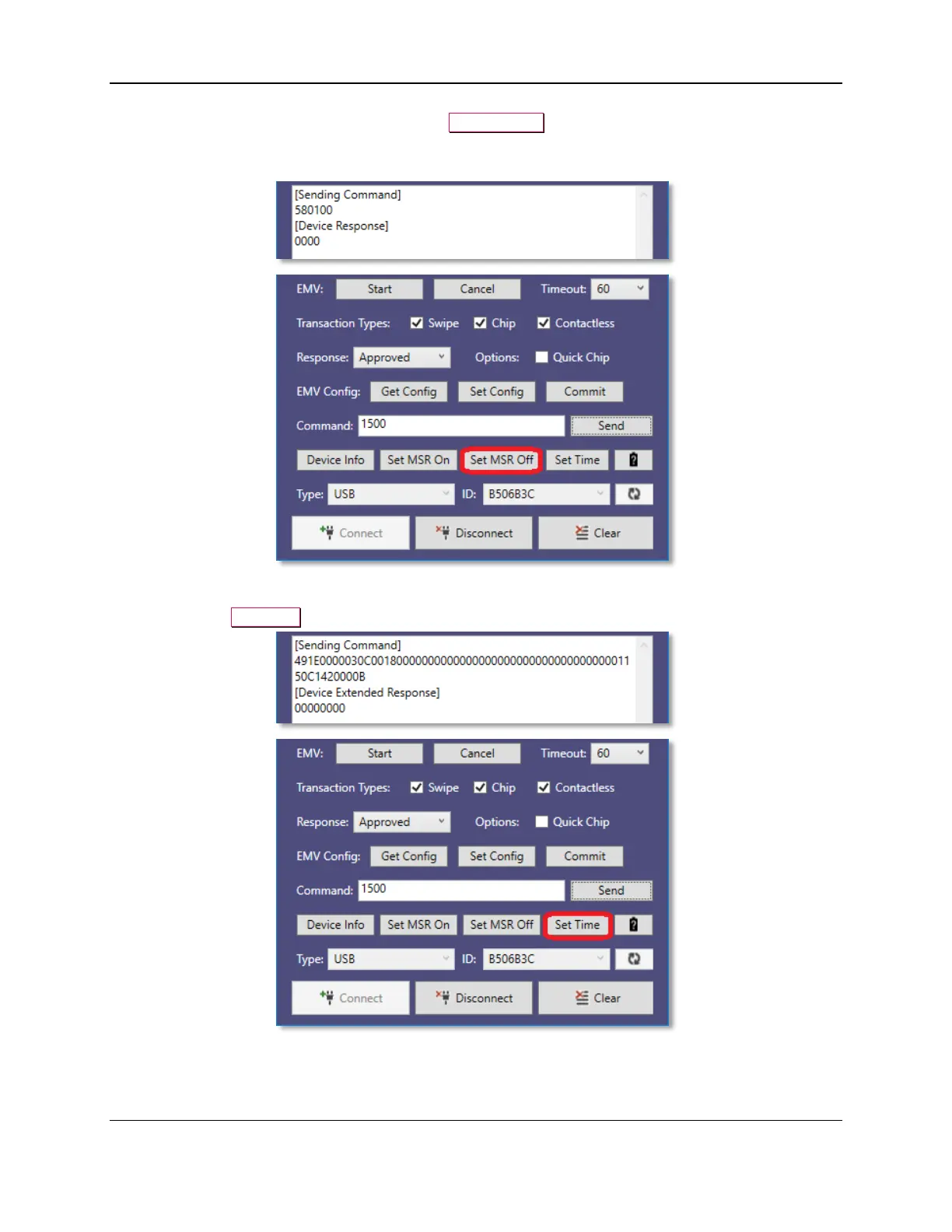
8) To set the MSR Off for the device, press the Set MSR Off button.
Device will not send card data after swiping a magnetic stripe card but will during an EMV
transaction.
9) To configure the current PC date and time in devices which require a Date/Time be set after power
up, press the Set Time button before performing an EMV transaction.



 To Next Page