5 - How to use the MTNET OEM Demo via USB Interface
DYNAMAG, DYNAMAX, EDYNAMO, UDYNAMO, ADYNAMO, MDYNAMO, TDYNAMO, DYNAWAVE| SCRA Devices | MTNET Demo Guide
Page 22
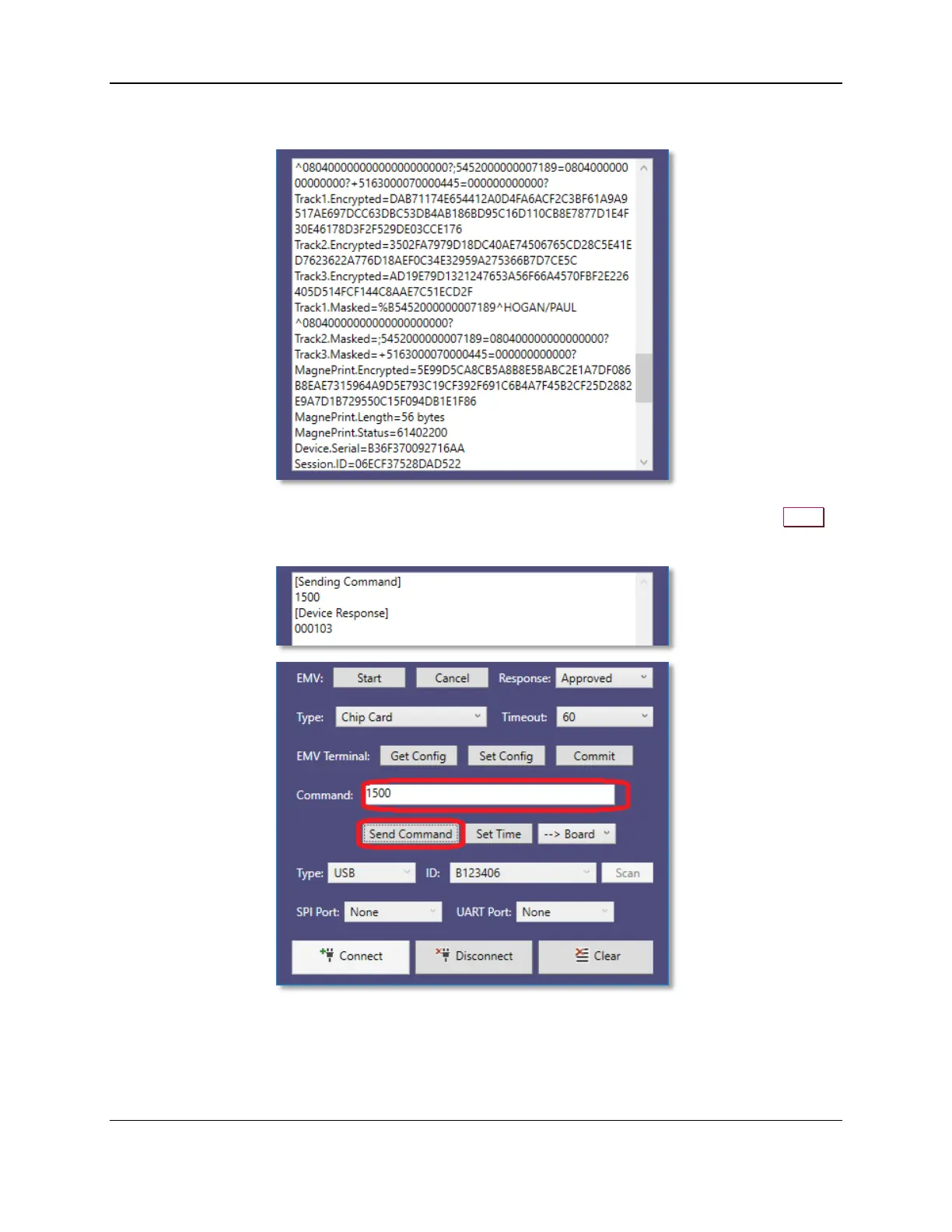
4) Swipe a magnetic stripe card to read the card data.
5) To send a command to the device, enter the command in the command text box and press the Send
button.



 To Next Page