5 - How to use the MTNET OEM Demo via USB Interface
DYNAMAG, DYNAMAX, EDYNAMO, UDYNAMO, ADYNAMO, MDYNAMO, TDYNAMO, DYNAWAVE| SCRA Devices | MTNET Demo Guide
Page 25
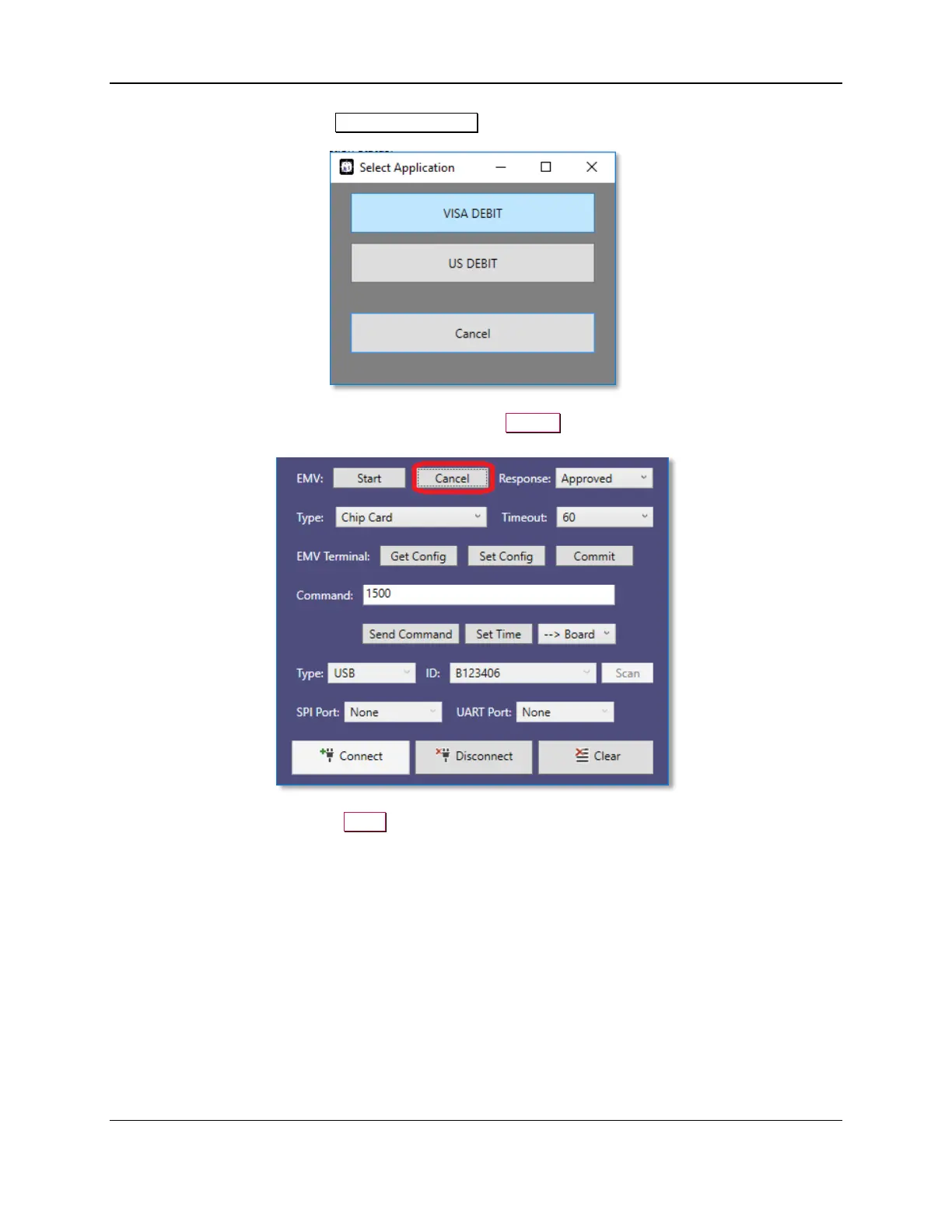
8) Select an Application in the Select Application window.
9) If you want to cancel the EMV transaction, press the Cancel button. Please note that the cancel
feature will only work before the card is inserted.
10) To clear the screen, press the Clear button.



 To Next Page