5 - How to use the MTNET OEM Demo via USB Interface
DYNAMAG, DYNAMAX, EDYNAMO, UDYNAMO, ADYNAMO, MDYNAMO, TDYNAMO, DYNAWAVE| SCRA Devices | MTNET Demo Guide
Page 24
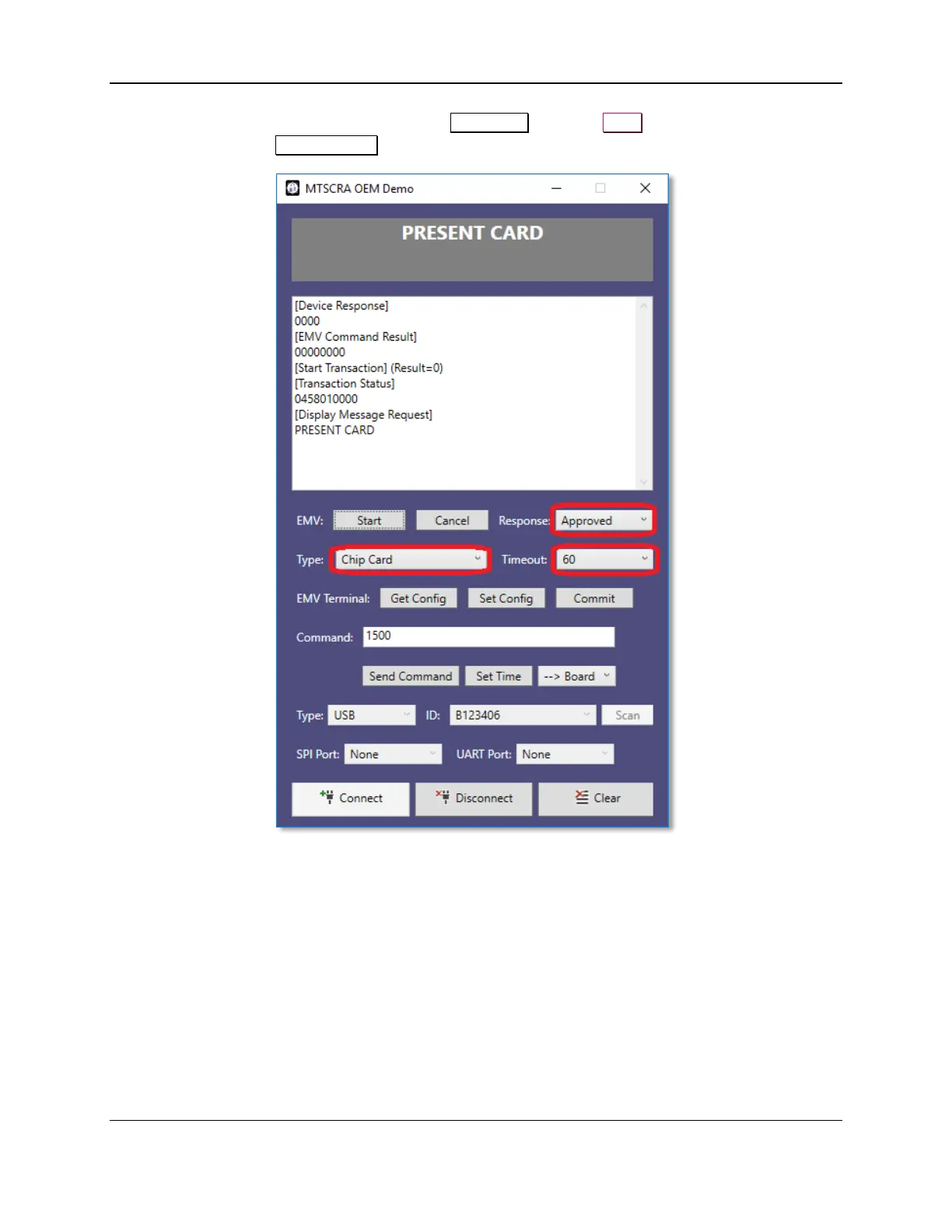
7) To begin an EMV transaction, select desired Response, press the Start button, and then insert the
chip card when the Present Card message appears.



 To Next Page