3 - Installation
eDynamo| Secure Card Reader Authenticator | Installation and Operation Manual
Page 21 of 34 (D998200110-23)
12) Use the host software to test swiping a card. To save power, the host software should disconnect
from the device when data is not being transferred.
13) Remember to change the default password. See the eDynamo Programmer’s Reference documents
for details.
To unpair from the device:
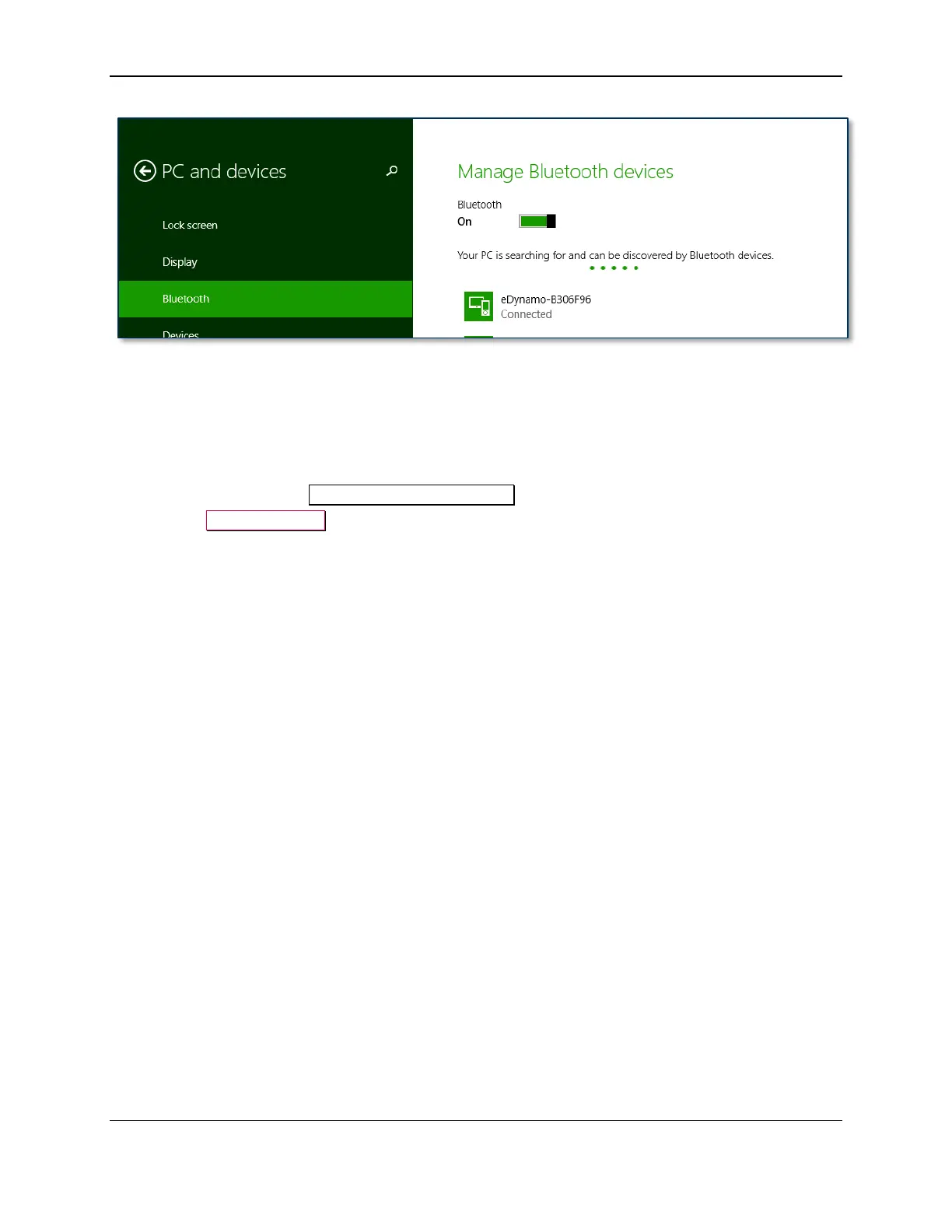
1) Locate the device in the Manage Bluetooth devices window.
2) Press the Remove device button.



 To Next Page