Operating Instructions MA 25 / MA 25e
operating instructions_8012238-4_MA25_E_13a 6 8012238-4 10/13
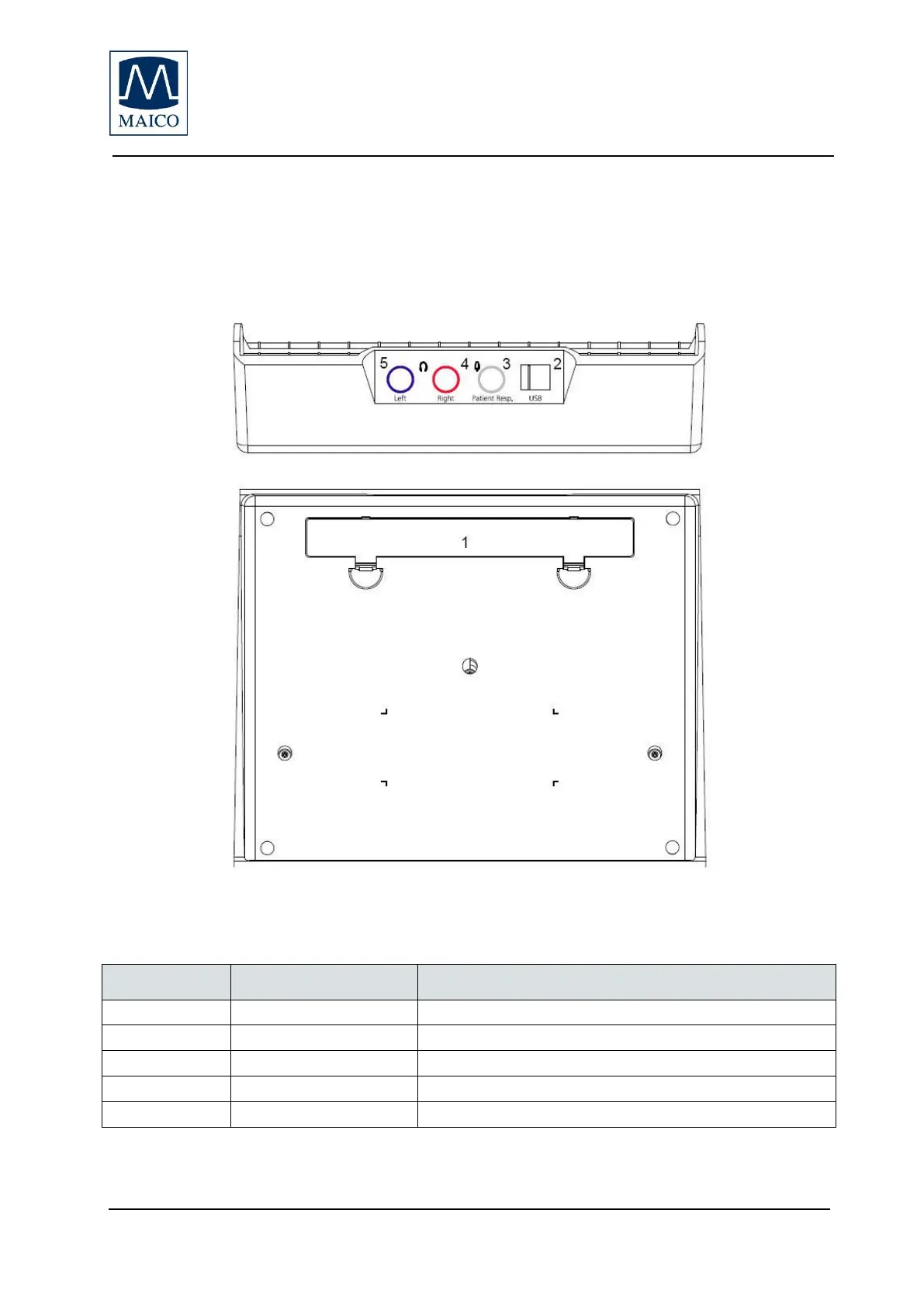
Figure 1 Rear and bottom of the MA 25
2.4 Connecting the accessories
All the connection jacks can be found on the rear side of the MA 25. All the
cables and accessories have to be connected before the instrument is
switched on.
Compartment for three batteries AA/LR6
Socket for external power supply
Socket for patient response switch
Socket for right headphone
Socket for left headphone


 To Next Page
 Loading...








