Operation Manual
touchTymp MI 24
and
MI 34
Version
5 Operating the Device
This section offers you information about:
how to get started with the touchTymp
the main screen format and the home screen
performing immittance testing and audiometry testing
preparing the patient for testing
managing the test results
settings to be made
5.1 Getting Started with the touchTymp
5.1.1 Use of Equipment After Transport and Storage
Make sure the device is functioning correctly before use. If the device has been stored in a
colder environment (even for shorter time) allow the device to become acclimatized. This
can take a long time depending on the conditions (like environmental humidity). You can
reduce the condensation by storing the device in its original packaging. If the device is stored
under warmer conditions than the use conditions no special precaution are required before
use. Always ensure proper operation of the device by following routine check procedures
for audiometric equipment.
5.1.3 Switching On the Device
NOTE: The warm up time for the device including boot up
process takes 10 minutes. If the device has not been used
for a while (e.g. overnight), wait for the recommended
period of time before operating the device.
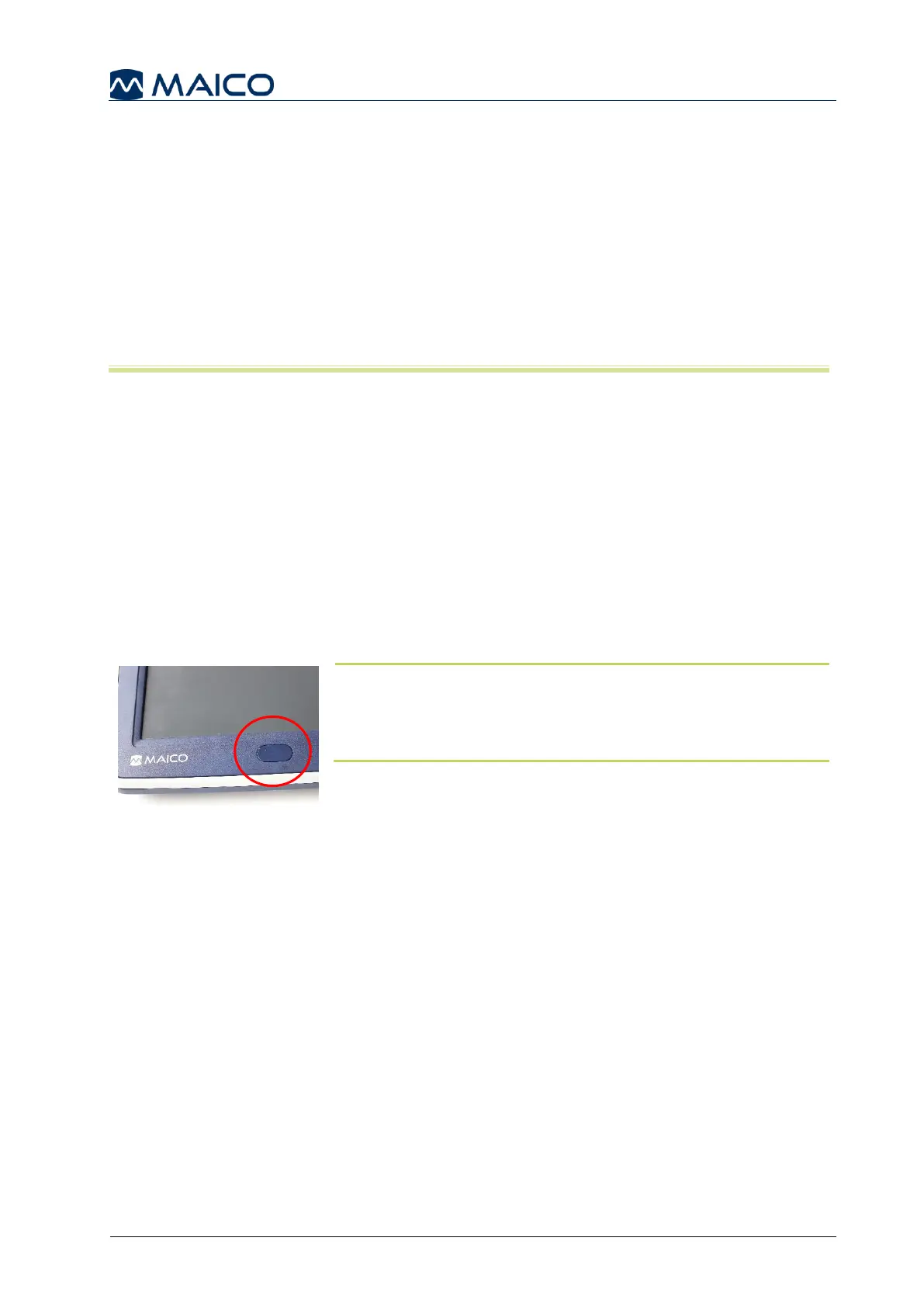
Briefly press the Front key on the front of the touchTymp to
turn on the device (Figure 30). The boot up process will take
approximately 2 minutes. During this time the display will
show the MAICO splash screen.



 To Next Page