ainship 40 Trawler Sin
le & Twin • DC Electric S
stems
7.1
etails of photo from pa
e 7.12, Fi
. 7.1
1. DC Main - Supplies power to the DC components
n Th
MDP. Thi
i
th
m
in
r
k
r f
r
ll th
th
r
breakers on the panel
2. Power Suppl
to brid
e.
. Interior Li
htin
N
t
: R
m
m
r th
r
i
wit
h
n
e
g
ts
ous
ng as we
4. Cockpit Li
htin
.
ourtes
Li
hts
6. Bil
e li
hts
-
ts up t
e en
ne room an
t
e
aza-
rette area
enerator location i
enerator installed
7. Breaker for the Refri
erato
. Fresh Water Pump
- The fresh water pump will run
unt
t
e s
stem
s pressur
ze
.
en w
c
c
e as nee
-
d to keep the pressure stable.
. Raw Water - This is the breaker for
our raw wate
u
.
10-13. Accessor
14. Port En
ine -
upplies power to the Port En
ine
or
tart
n
.
15.
tbd En
ine -
upplies power to the
tbd En
ine
for startin
1
. Head Facilities
-
ee the
anitation
ection to cor-
rect
operate t
e
ectr
c
ea
17. M
r
t
r Br
k
r - Be sure and consult
our sec-
ions concerning the macerator pump in the DC Electric
nd the Waste and
anitation chapters
18. Bil
e Blower - The breaker for
our bil
e blower
19.
ptional Propane
tove - This breaker controls the
fuel solenoid valve that supplies fuel to
our optional
propane stove
20.
tional Pro
ane Stove - This breaker controls the
uel solenoid valve that supplies
uel to
our brid
e pro-
pane stove
21-22. Accessor
23.
hower
ump Indicator li
ht, illuminates when the
automatic Shower Sump is ener
ized
24. Auto
Manual
elector
witch
or the Forward Bil
e
ump.
25. Auto
Manual
elector
witch
or the Mid Bil
e
ump.
26. Auto
Manual
elector
witch
or the A
t Bil
e
um
27.
enerator
witch Note:
ee the
enerator section
in the DC Electric Chapter.
28.
Monitor Reset
witches, Note: Read the
onitor Section in the Boating Safet
Chapter
29. This
au
e indicates the amount o
amps available
t
th
D
MDP.
0. Batter
selector switch, this switch allows
ou
to select the specific batter
to check the amount o
har
e available, this can be read on
our DC Volt
meter,
3
1. This is the DC Volt meter, re
isters the amount o
volta
e in selected batter
.
ee
3
Fi
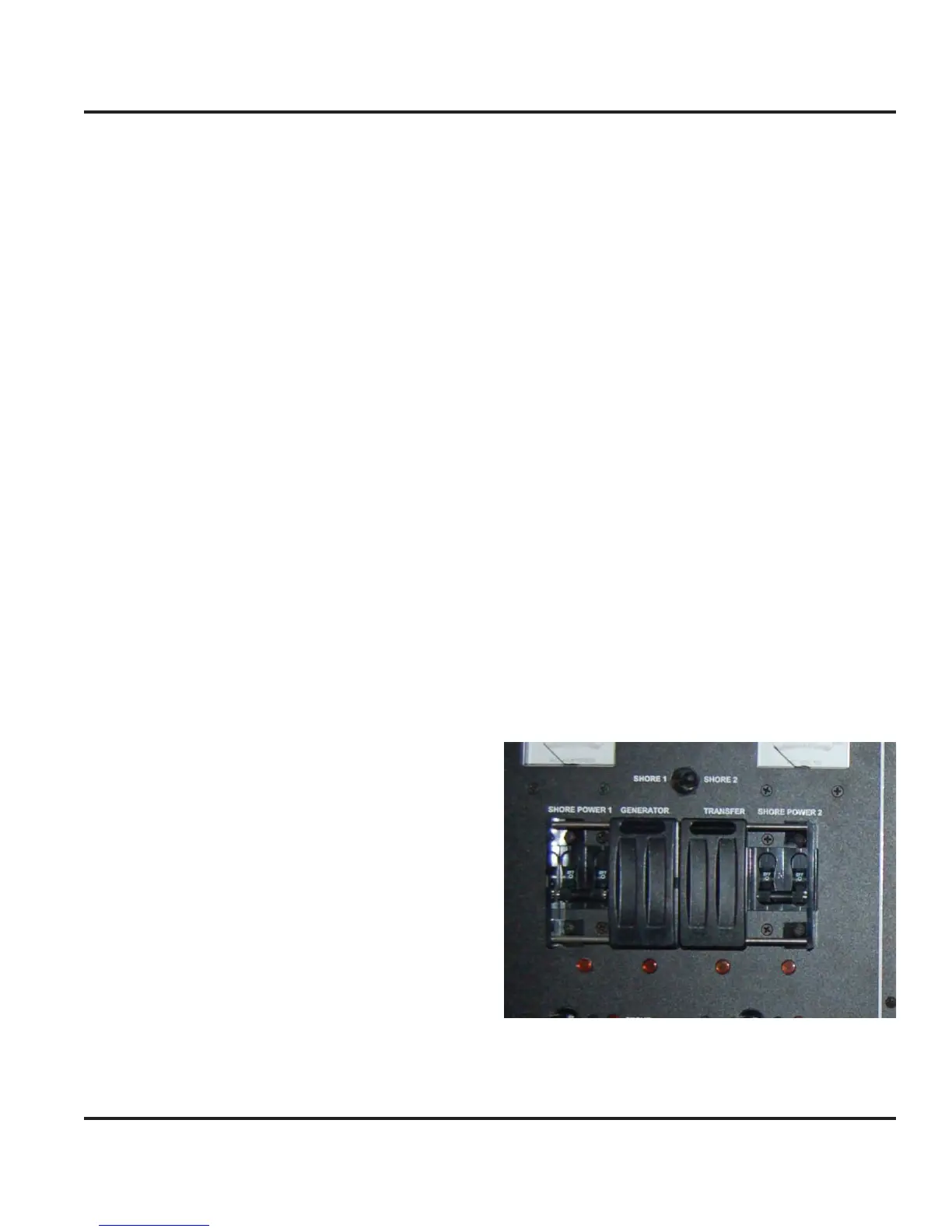
ure 7.15 Slide Lock Switch
With the slide lock it is not possible to ener
ize the
en-
rator power an
t
e s
ore power to
et
er.



 To Next Page