ainship 40 Trawler Sin
le & Twin • DC Electric S
stems
7.
r sump can be found on the Batter
Switch Panel
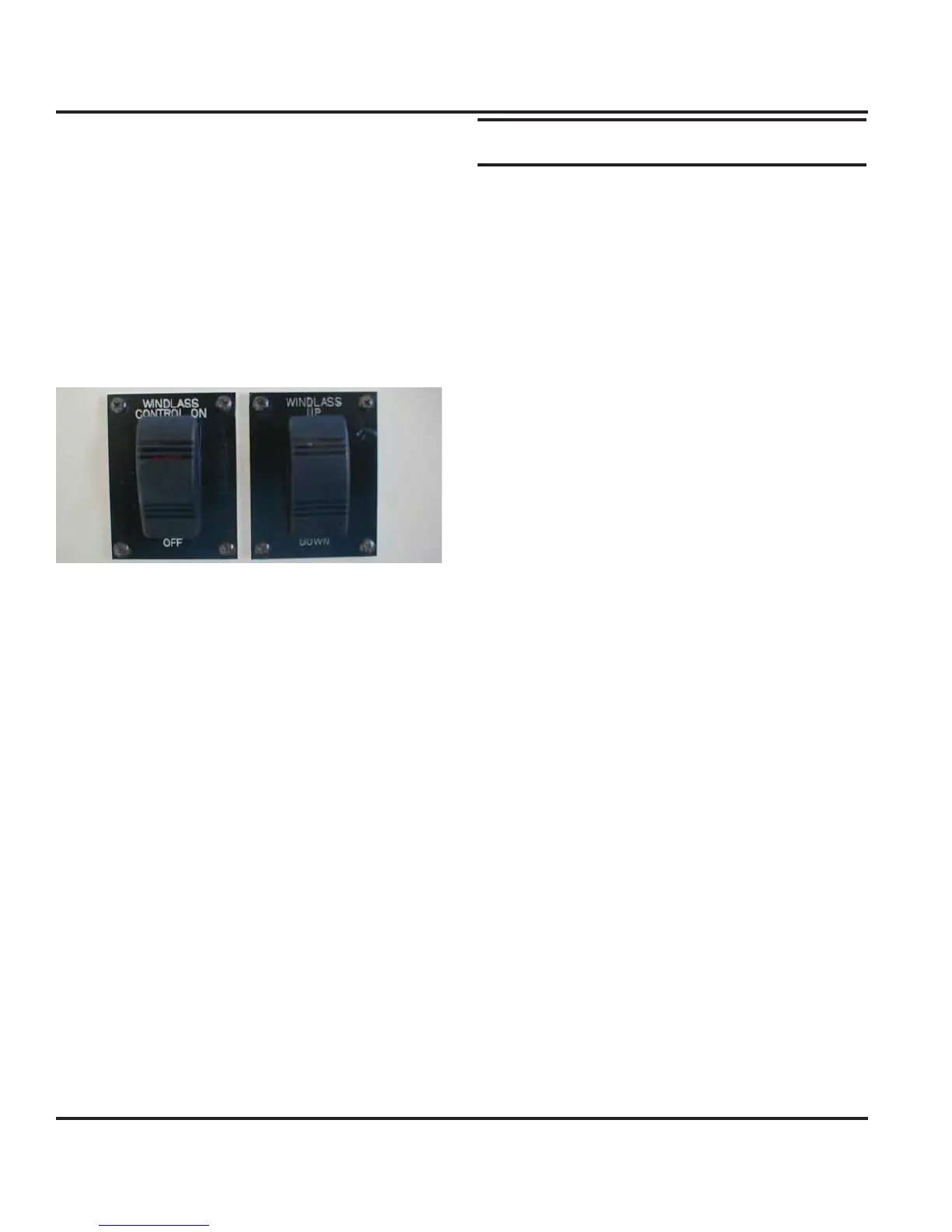
7.2.14 Windlass
Your Mainship 40 Trawler ma
be equipped with an
optional windlass. It receives its power
rom the D
elec-
trical s
stem. The windlass offers
ou the abilit
to raise
and lower
our anchor from the helm station.
There is also a circuit breaker at the batter
switch panel
The windlass can be o
erated from the helm station
or
rom the bow.
ee manu
acturer’s owner’s manual
about the proper and safe operatin
procedures. See
Fi
. 7.1
Fi
ure 7.12 Windlass Control
7.2.15 Windshield Wi
er
ere are t
ree separate w
per motors on
our
oat.
are supplied with power on one circuit, switched at the
h
lm.
Wiper Blades should be replaced as needed, carefully
inspect blades on each outing and replace as needed to
prevent scratching of your windshield.
7.2.16 Gau
es and Electronics Packa
The
Electronics Packa
e” is an option, and there are
a
ew di
erent con
i
urations available, so be sure and
refer to
our
wner’s Manual Packet for an
documenta-
tion about these components
The power for the electronics and
au
es come from the
helm station and the breakers
or those components are
on the helm station. For more in
ormation concernin
au
es, refer to the En
ines and Transmissions Section
thi
m
n
l
7.3 O
erations and Maintenanc
7.3.1 To operate the 12 Volt DC S
stem
1.Switch the main batter
switch in the cockpit
N.
2. Switch on relevant breakers at batter
switch.
.
witch the D
main circuit breaker at electrical panel
t
N
4.
witch on relevant breakers at the D
Panel.
Note: Always switch circuit breakers off when you leave
your boat unattended.
7.3.2 To manuall
operate
our bil
e pumps
Note: The power to the MDP does not need to be ener-
gized in order to manually operate your bilge pumps.
1. Locate the bil
e pump switches at the MDP and switch
t
em to t
e manua
os
t
on.
2. Another procedure to be used in extreme circum-
tances involves locatin
the float switch, and manuall
rotatin
the
loat handle on the side o
the
loat switch
to simulate the
loat switch bein
underwater. This will
ner
ze t
e pump an
t
e pump w
operate.
7.3.3 To o
erate the macerator
um
Important: U.S. Coast Guard regulations require that
boats have a sanitation system on board to control
pollution. Waste is to be stored in a holding tank or
other device so it can be properly disposed of at a shore
facility. Discharging this waste overboard in U.S. lakes,
rivers, bays and sounds and within 3 miles of shore in
international waters is prohibited. Check with the Coast
Guard regarding regulations in your area.
1. Power up the D
panel as described in this section.
2.
en the seacock valve located under the ste
s to
l
n.
. Switch the MACERAT
R breaker switch at the DC
main electrical control panel to
N.
.
ow t
e macerator to run unt
t
e
o
n
tan
s
mpt
, but no lon
er. Runnin
the macerator when



 To Next Page