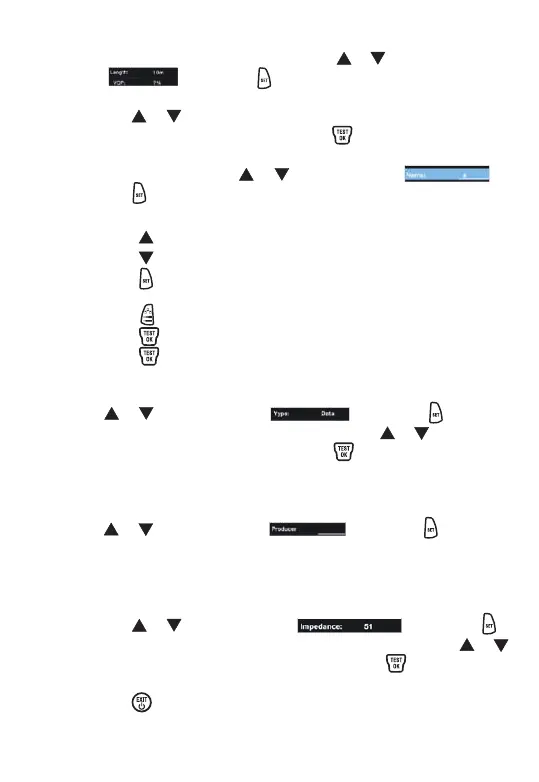
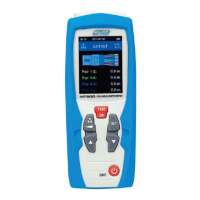
4. In the V.O.P. TEST interface, press the or button to
select , press the button once then the length
display becomes anti-black.
5. Press the or button to adjust the value and the actual
length to be the same, then press the button once to
measure the V.O.P. of the cable.
6. Name storage. Press the or button to select ,
press the button once to enter the name storage.
Ÿ Press the or button to select , press the
button once to enter the cable type selection. Press the or
button to select 51Ω, 75Ω or 100Ω. Press the button once
to complete the cable impedance storage.
Ÿ Press the button once to complete the measurement and
storage of V.O.P. value.
Cable impedance type selection
Press the or button to select , press the button
once to enter the manufacturers information storage. The mode
of operation is the same as name storage.
Manufacturer 's information storage
Press the or button to select , press the button
once to enter the cable type selection. Press the or button to
select data, coaxial, single-wire. Press the button once to
complete the cable type selection.
Cable type selection
Ÿ Select the character, starting with "A"
Press the button, characters change from 9 to 0
Press the button, characters change from A to Z.
Ÿ Press the button once to store the selected characters,
the maximum number of stored characters is 6.
Press the button once to clear the selected character
Press the button to move a character behind.
Ÿ Press the button to complete the name storage.


 To Next Page