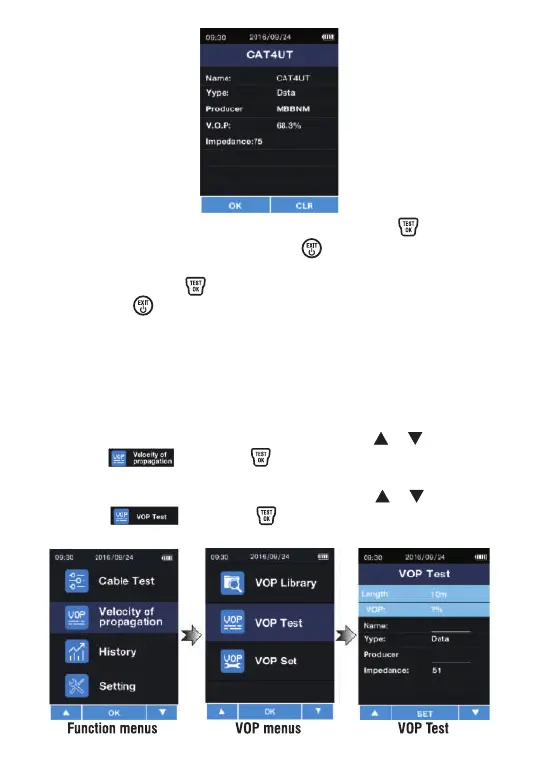
Ÿ In the current cable details interface, press the button to
return to the database. Press the button, this will show
indication whether to delete the current data information. To
delete, press the button. If you do not want to delete,
press the button once to return to the database.
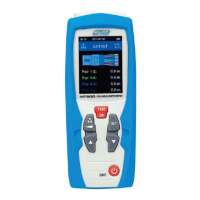
Measurement and storage of V.O.P. values
1. Insert the known length cable (greater than 10 meters) into
the instrument.
2. After entering the function menu, press the or button to
select , press the button to enter the V.O.P.
function selection interface.
3. After entering the cable selection, press the or button to
select , press the button to enter the V.O.P. TEST
interface.
In the case that the V.O.P. is unknown of the cable measured, the
V.O.P. can be detected by the length of a known cable.


 To Next Page