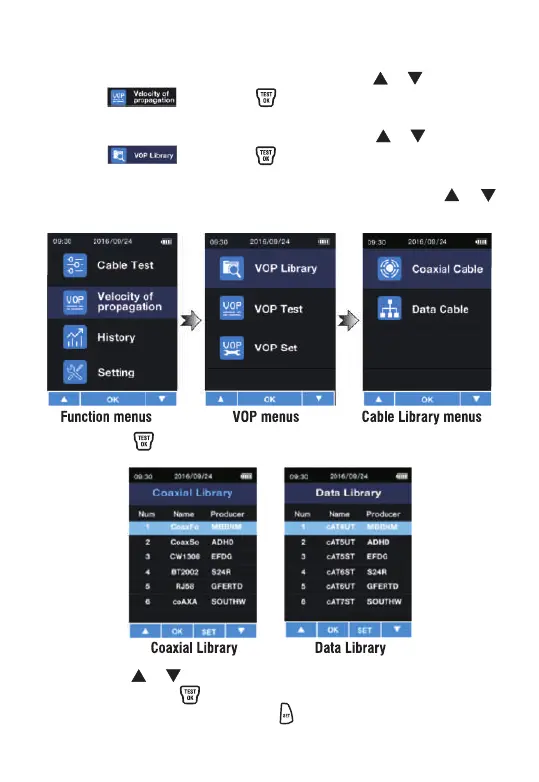
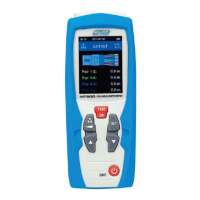
Ÿ After entering the function menu, press the or button to
select . Press the button once to enter V.O.P.
function selection interface.
Ÿ After entering the cable selection, press the or button to
select . Press the button once to enter the cable
database selection interface.
Ÿ After entering the cable database selection, press the or
button to select the appropriate database.
Ÿ Press the button once to enter the cable database.
Ÿ Press the or button to select the corresponding cable
name. Press the button once to enter the corresponding
cable measurement. Press the button once to enter the
current cable details.
Cable Library V.O.P.


 To Next Page