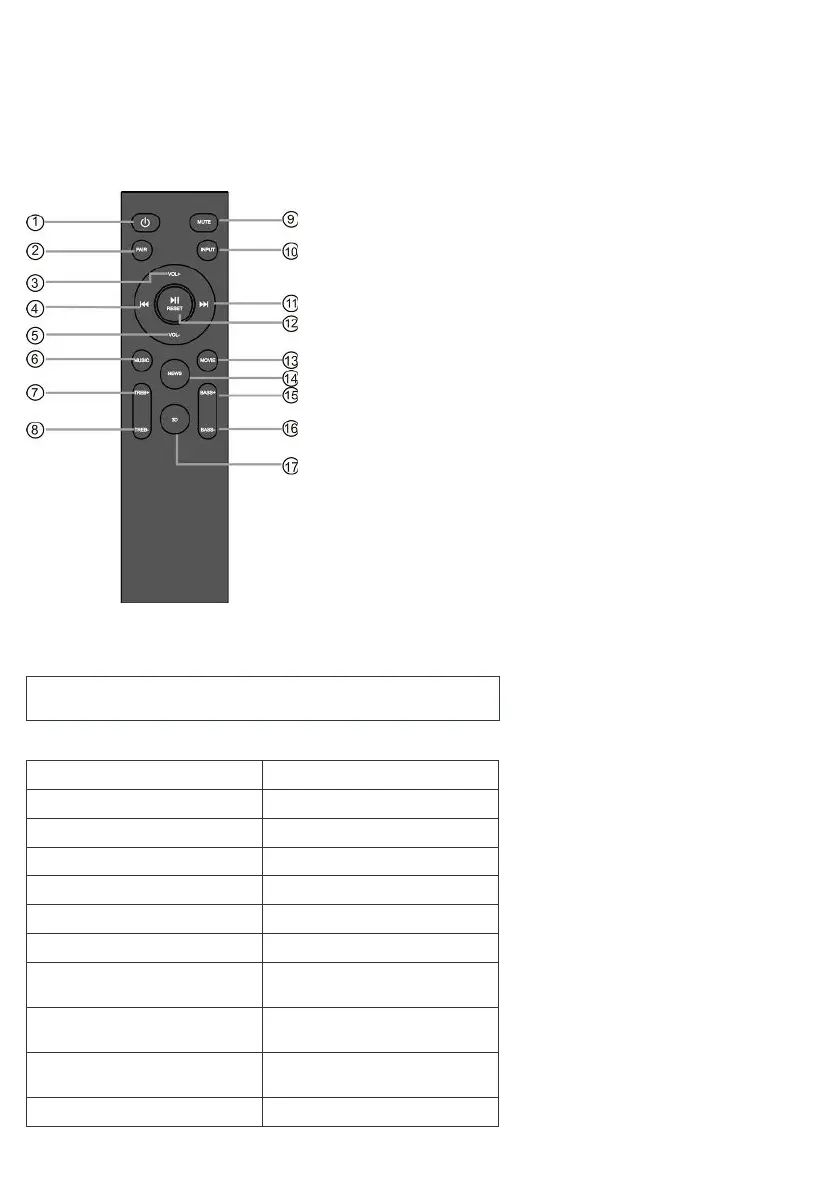
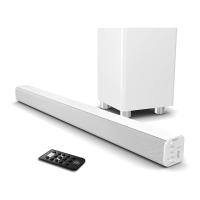
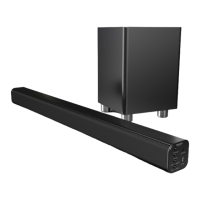
Si prega di notare che tutti (Rif.) fanno riferimento ai Controlli e alle Funzioni negli schemi sopra.
8. Treble-down
9. muto
10. Ingresso (ARC, HDMI 1, HDMI 2, Bluetooth, AUX, USB, OTTICO)
11. Avanti/Salta
12. Film
13. News
14. Bass-up
15. Bassi abbassati
16. 3D
(https://www.majority.co.uk/wp-content/uploads/2021/06/Sierra-Remote.png)
Guida alle istruzioni
Indicatore di modalità
Il display anteriore mostrerà AUX.
Il display anteriore mostrerà AUX.
Il display anteriore mostrerà HDMI 1, HDMI2.
Il display anteriore mostrerà HDMI ARC.
Il display anteriore mostrerà OPTICAL.
Il display anteriore mostrerà USB.
Il display anteriore mostrerà
BLUETOOTH lampeggiante.
BLUETOOTH smetterà di lampeggiare e verrà emesso
un segnale acustico collegato.
Il display anteriore scorrerà "Dolby Atmos" per 3
secondi.
Il display anteriore scorrerà "Surround" per 3 secondi.


 To Next Page