MAKE MENDEL Page 25
Steps to be followed while using Printrboard Electronics:
1. Check whether all the connections made on your Printrboard Board are proper.
2. Printrboard comes ready to print with Marlin RC 2 Firmware and LUFA CDC
BootLoader, So you do not need to change any firmware, if you have purchased entire
Rapidbot 3.0/Mega Kit from us.
3. Install Pronterface (With Slic3r) http://makemendel.com/support-1/downloads
4. Set Baud rate as 250000
5. Note: You have to connect the Hotend thermister to PrintrBoard, then this
“MinTemprature triggered” error will go away.
6. Remove the Boot Loader(Black) Jumper from the printrBoard, before connecting it
to the PC. The jumper is only needed only during the firmware update.
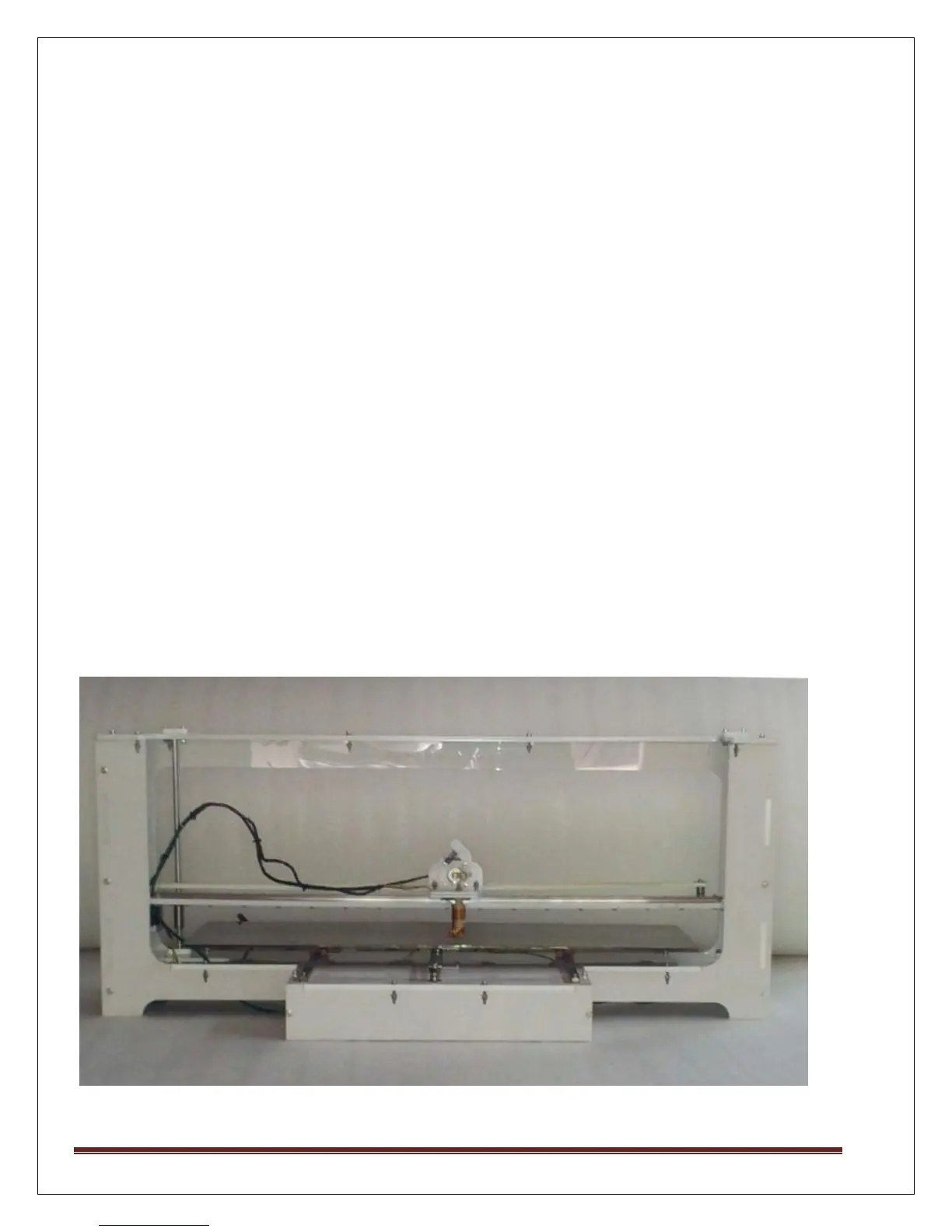
Printer Images :
Front View



 To Next Page