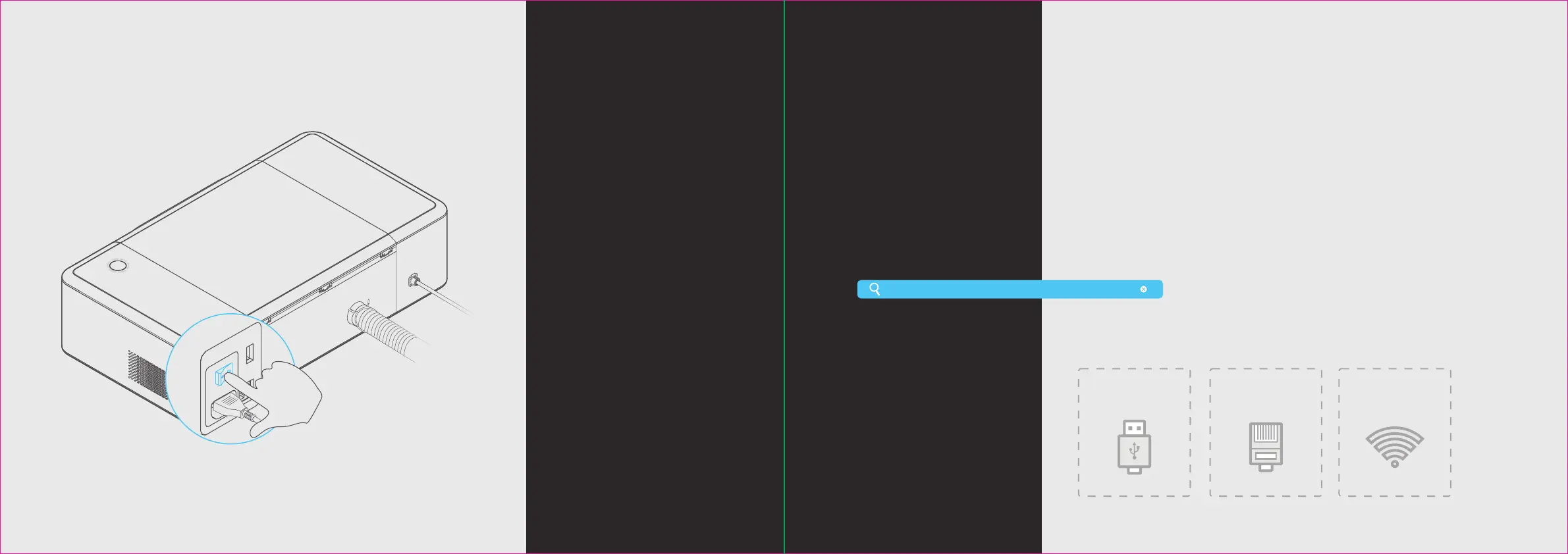
Ethernet
Wi-Fi
USB
Connect a computer
to the Laserbox
Laserbox soware is required for
the connection of a computer to
the Laserbox. Please download
and install the soware at the
following website.
There are three ways to connect a computer to the Laserbox. Choose the best according to your situation.
https://www.makeblock.com/maker-tools/laserbox
11
Start the Laserbox
Aer pressing the power button,
the laser head will automatically
reset and calibrate. Aer the first
startup, the annular indicator will
turn solid white. The startup
process takes a while, and please
be patient.
12


 To Next Page