www.malags.com
6
There is also possible for the operator to navigate and execute all functions
using the remote buttons on the antenna (Figure 12.5), the HF cart (Figure
12.2) and on the extension pole (Figure 12.6). By pressing either the black
or red button the operator moves in-between the individual menus on the
screen and activates the selection by pressing the two buttons at the same
time.
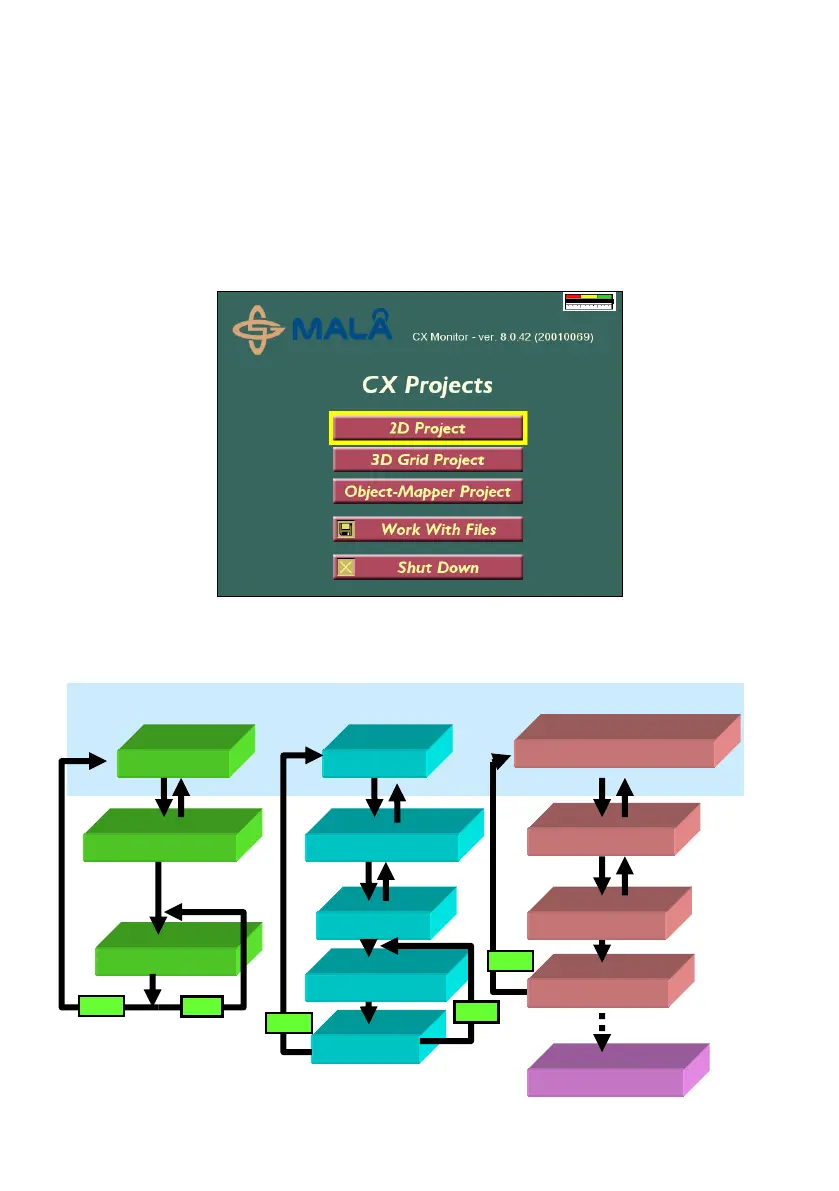
The following screen is shown at start-up of the CX and the work flow of the
3 different project types are also shown below:


 To Next Page