SAVING AND RECALLING PRESETS
MALEKKOHEAVYINDUSTRY.COM
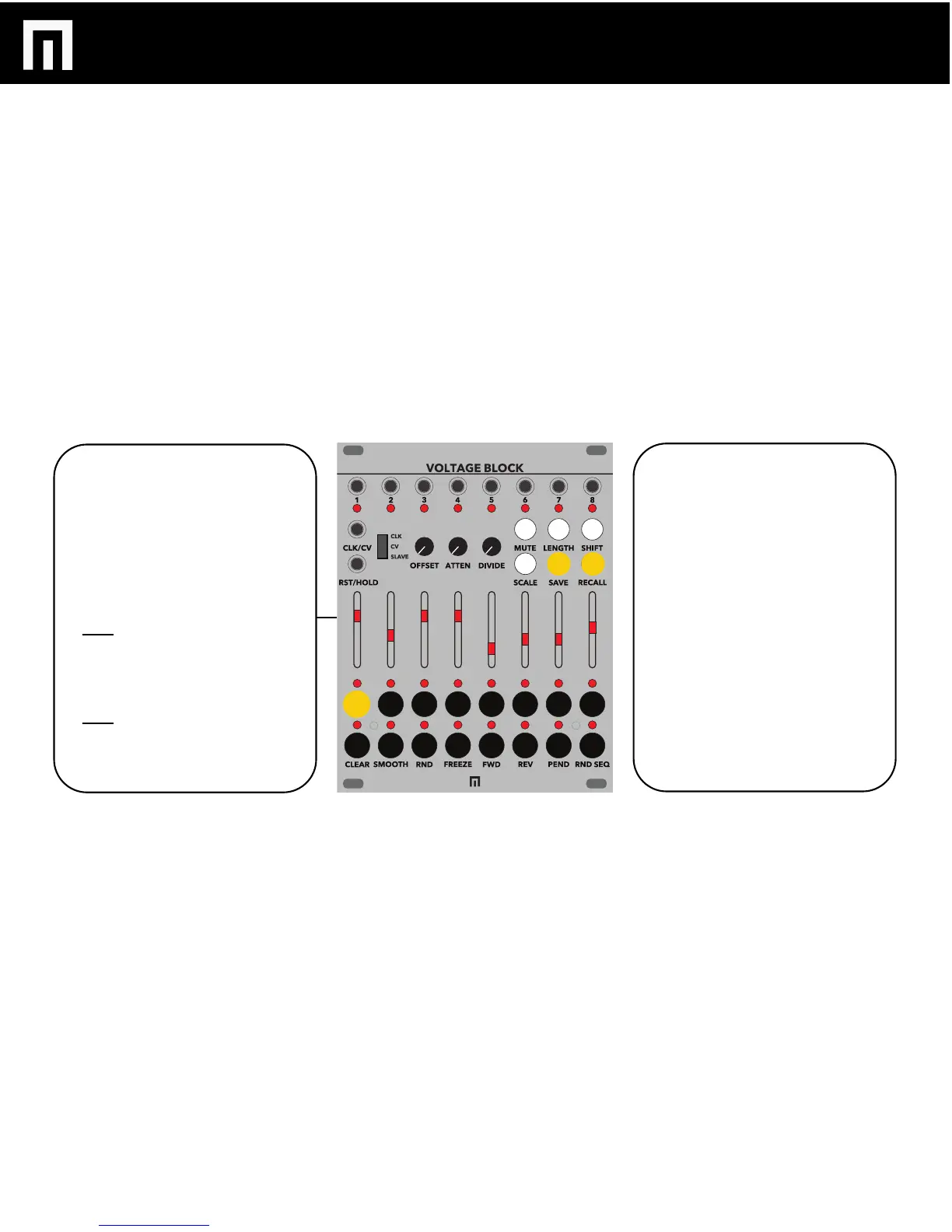
The STEP buttons also act as
PRESET slots. You can save 16
presets if you are using Voltage
Block stand-alone or up to 100
presets if you’re using Voltage
Block slaved to Malekko Varigate
8+.
TO SAVE in stand-alone mode:
Hold the SAVE button while you
select one of the STEP buttons to
save to that location.
TO RECALL in stand-alone mode:
Hold the RECALL button while you
select one of the STEP buttons to
save to recall that preset.
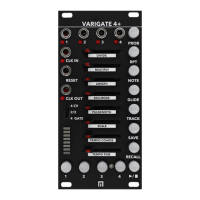
To save while slaved to Varigate 8+
simply select the Varigate 8 preset
button you wish to save to.
Follow the same procedure to recall
a saved preset.
Varigate 8+ in SONG MODE will
also recall each corresponding
saved preset on the Voltage Block.
To find out more about save, recall
and song modes on the Varigate 8+,
visit:
https://malekkoheavyindustry.com
and download that manual.
PG. 8
VOLTAGE BLOCK MANUAL V.1


 To Next Page