22
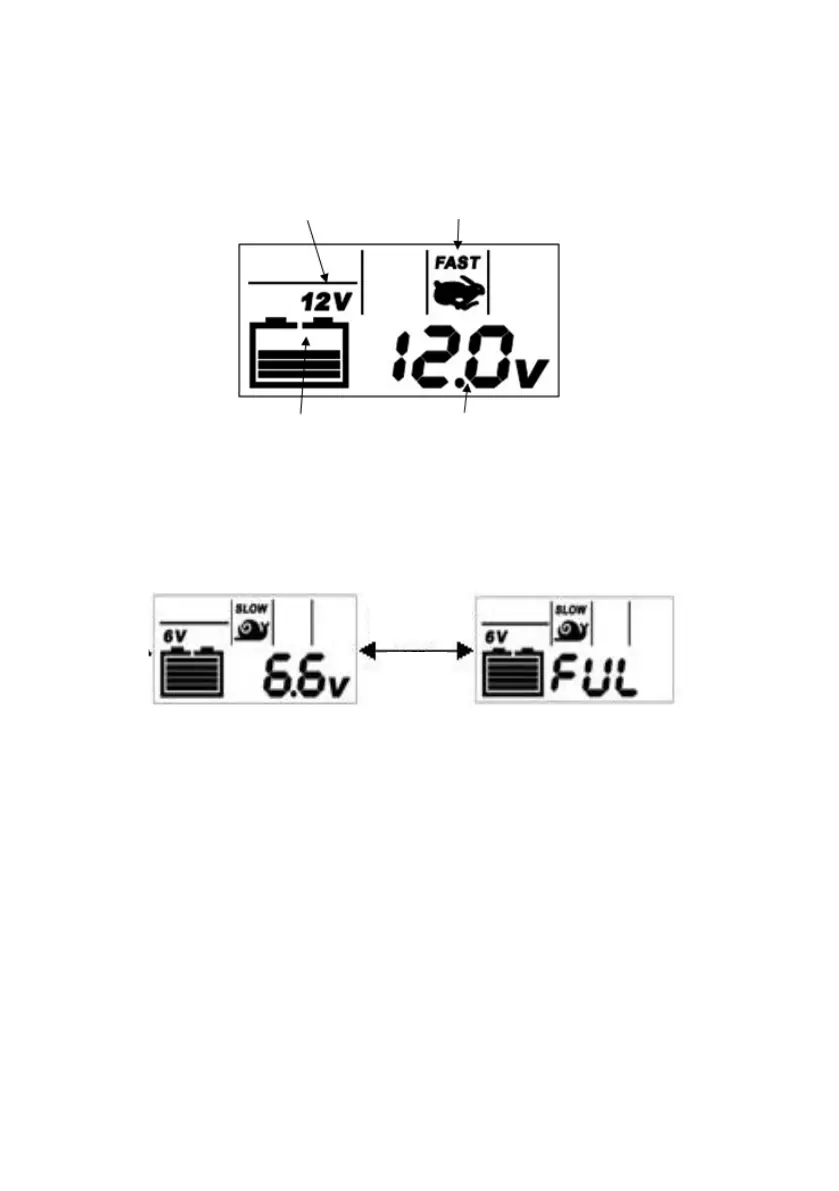
B. Soft start, bulk & adsorption charging: For a 6V battery, it will start charging in 6V/
slow mode immediately; for 12V battery, it enters 12V/slow mode by default; you can
press the MODE button to switch among the three modes sequentially (Slow/Fast/Low
Temp), each time you press the button, the backlight is turned on for 10 seconds; the
display effect is shown in Fig. 8;
C. Float charging: The battery icon shows full, and the real-time voltage and FUL charac-
ters display alternately frequency, see Fig. 9. In this stage only the backlight will be “ON”
when you press the button; no mode selection is possible during the float charging.
D. Power-down memory: in the charging process, unplug the power plug or in case of
power outage, the product will save the original charging mode as long as the battery
voltage exceeds 5V; the LCD screen doesn’t have display but the “power” LED (Green)
will be “ON”, the maximum memory time is 12 hours; when the power resumes, it will
continue to charge in the original state;
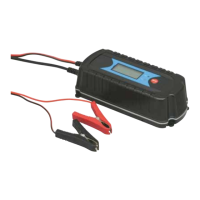
E. Charging completes: unplug the power plug, then remove the clips from the battery.
Scroll while charging Display real time voltage
Fig. 8
Fast charging mode
12V battery
Display
alternately
Fig. 9



 To Next Page