15 16
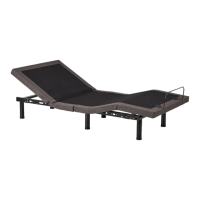
M455 SMART ADJUSTABLE BED BASE
How to Use Your Remote Control
Part 4: Create Custom Presets
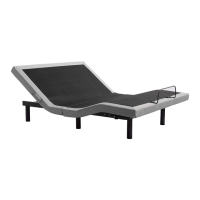
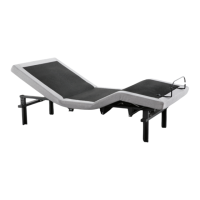
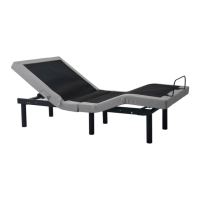
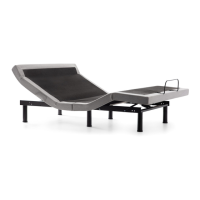
1. With your remote control, adjust the bed to your desired position.
2. Press and hold the Flat and Zero Gravity buttons until you hear three beeps.
Tip: To restore your Zero Gravity preset to original positioning, unplug your base for 30 seconds and then plug back in.
This will reset your remote.
Part 5: Get a Massage
1. To turn on the massage feature, press the Massage On/Off.
2. Change the intensity by pressing the Massage On/Off button repeatedly, up to three times.
3. After turning on the massage feature, turn it off by pressing the Massage On/Off button four times.
Tips:
- Massage function should only be run 30 minutes at a time.
- Let the massage motors rest for 30 minutes after each use.
- You may notice a slight tone during operation. The sound may differ based on your flooring material.
3: 2
ZERO
GRAVITY
Flat
4
MASSAGE ON/OFF


 To Next Page