9 10
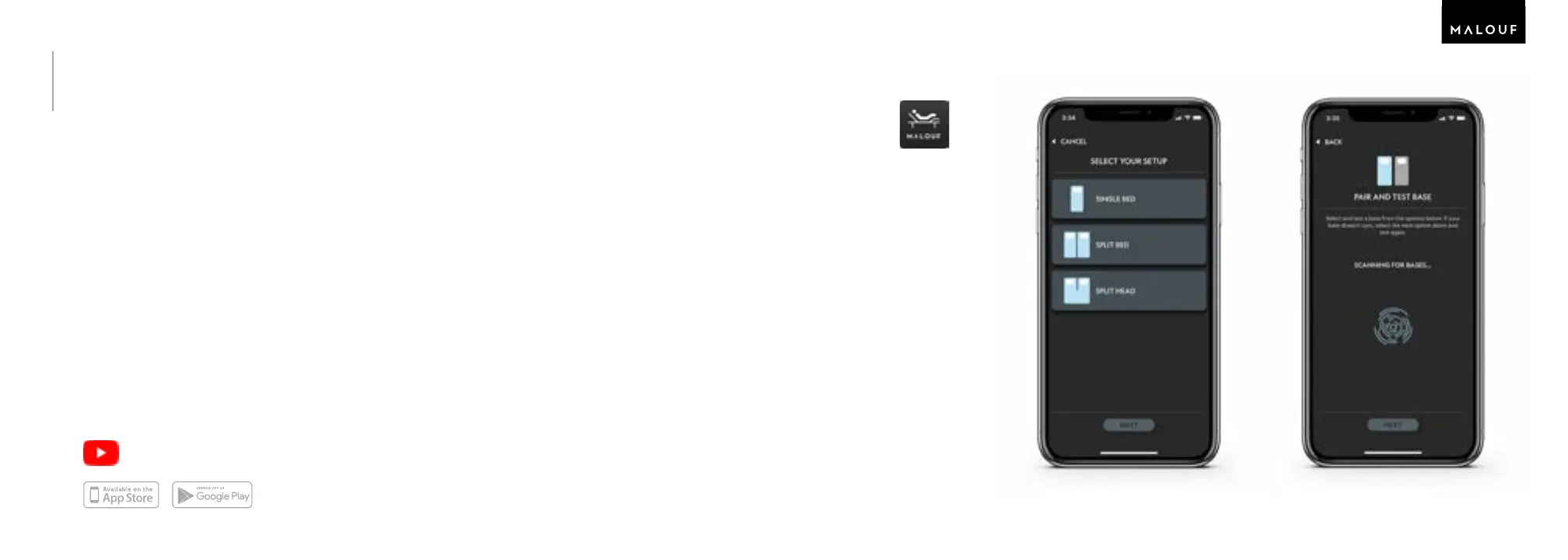
Part 6: Download the Malouf™ Base App
1. Go to the app store on your phone.
2. Search for and download the Malouf Base™ App.
3. After downloading, open the app and enable Bluetooth®.
4. Tap + Add New and select your setup.
5. Tap Scan for Bases and choose the base you want to connect.
6. Test moving your base with the app.
When using the app, please only use one phone at a time to make adjustments. Traditional
remote controls can be used at any time to move your base.
Tip: The app boasts several features like snore detection, partner control, and Siri
Shortcuts.
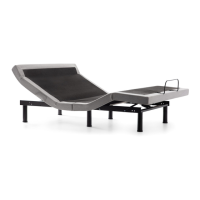
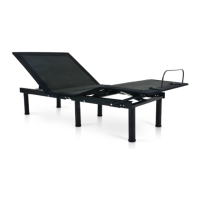
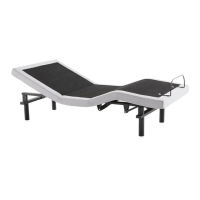
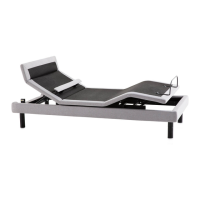
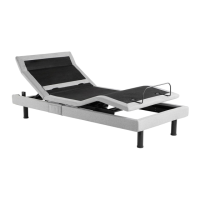
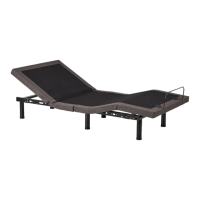
M455 SMART ADJUSTABLE BED BASE
How to Assemble
Available to Download
6: 4 6: 56: 2
Find additional assistance
on our YouTube channel.


 To Next Page