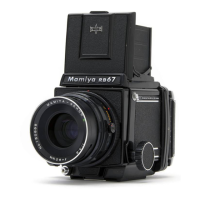
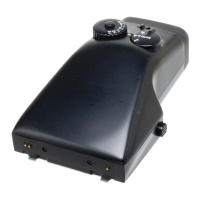
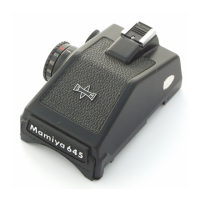
Removing the Finder from the Camera Body
1. While pushing the finder’s two Attaching Latches (8) down and toward the back of the finder, lift
the front of the finder up.
2. Pull the finder’s two Attaching Pins out of the camera body’s finder mounting holes, and then
remove the finder from the camera body, Fig. 2.
How to Use the Finder
1. Depress the camera’s Shutter Speed Dial Lock Button and turn the Shutter Speed Dial so that it
is at the position between ‘B’ and 400; this is the AE position, Fig. 3.
If the Shutter Speed Dial is set to any other position, the finder will not be able to couple with the
camera body and AE photography will not be possible.
2. Align the ‘A’ on the finder’s Shutter Speed Dial with the white Index Mark on the finder, Fig. 4.
The Dial will lock at this position.
3. Set the film’s ISO speed on the Roll Film Holder’s ISO Dial.
4. Use the finder’s Metering Mode Selector and set the desired Metering Mode, Fig. 4.


 To Next Page
 Loading...