Although it can be used with any Metering Mode, it is most effective when used with the ‘SP’ (Spot)
Metering Mode.
AE Lock Photography
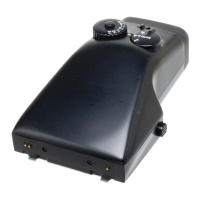
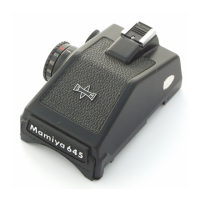
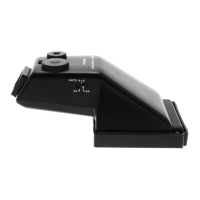
1. Set the finder’s Shutter Speed Dial to its ‘AEL’ position. Fig. 5.
2. While looking through the finder, center the most important area of the subject in the center
circle of the frame, and then press the camera’s Shutter Release Button down halfway and keep
it in this position. The exposure will be memorized.
3. While keeping the Shutter Release Button down halfway, adjust the composition, and then push
the Shutter Release Button down all the way to fire the shutter.
Wait for the shutter speed to be displayed in the viewfinder before firing the shutter.
AEL Photography cannot be used with remote control units.
Exposure Compensation Dial
1. Depress the Exposure Compensation Dial’s Lock Release Button and turn the Dial to adjust
exposure, Fig. 6.
Exposure compensations up to ±3 EV may be applied in 1/3 EV steps.
Turning the Dial in the + (clockwise) direction increases exposure; turning it in the –
(counterclockwise) direction decreases exposure.


 To Next Page
 Loading...