9
BLUETOOTH CONNECTION INSTRUCTIONS
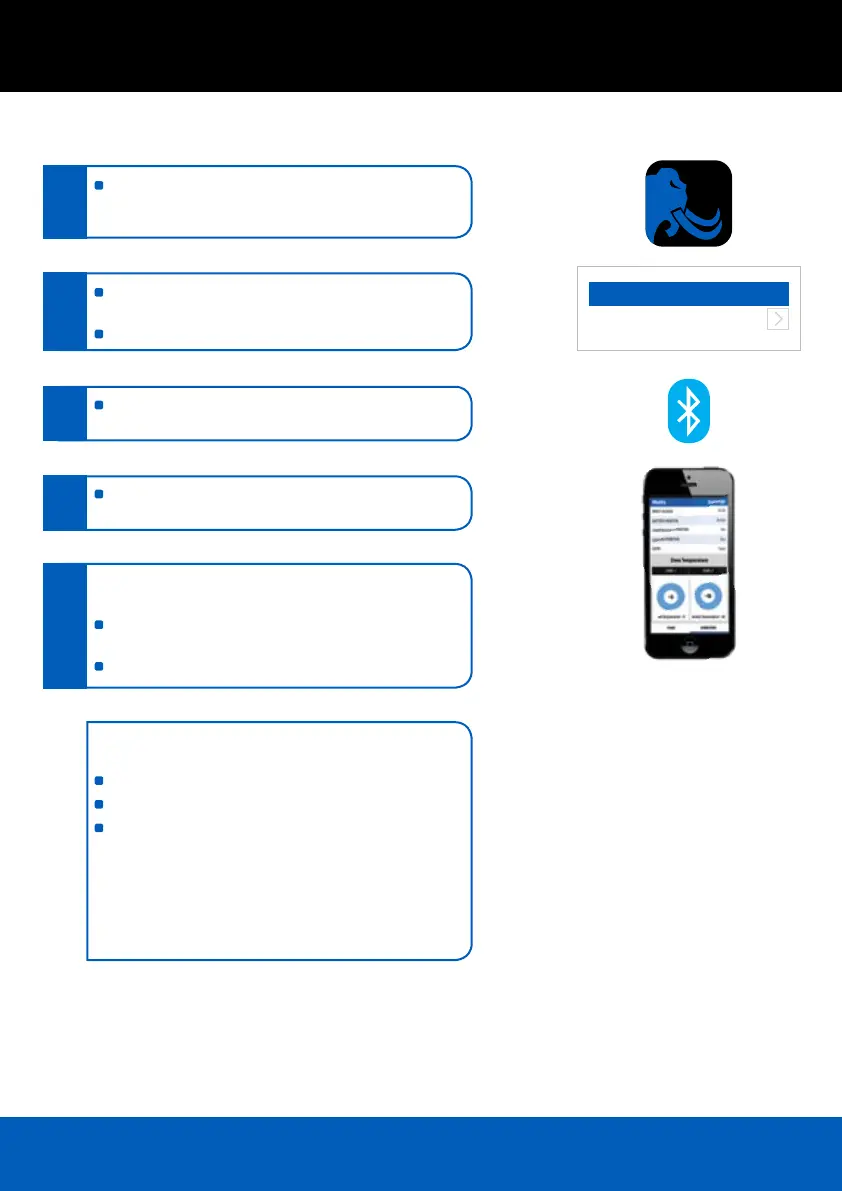
Visit the Apple APP Store or Google Play and search
“Portable Fridge” locate the free Mammoth APP, down
load and install
Check that the fridge is connected to a suitable power
source and then launch the APP
Search for your fridge, once located select device
The Blue LED will illuminate on the fridge control panel
conrming connection to the device
Once connected the device will display the current
settings and operation of the fridge
To adjust select Settings which will then display the
control panel
Make the required adjustments and then select
Save Setting
Select Back and the display will show the new settings
To change the identifying name or password of your fridge
from the factory settings you must rst connect to the fridge
Select Settings
Select Modify
Make the required changes then disconnect form
the fridge
Note: The APP is designed to connect and control only one
fridge at a time and can be used with in 10m of the unit.
It is recommended to keep solid walls and obstructions
to a minimum between the fridge and device to ensure
correct operation.
Scan Devices
Mammoth 72
UUID-A2E67FF3-8249-4C5F-32...
1.
2.
3.
4.
5.



 To Next Page