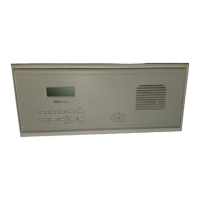
2. DISPLAY Easy to read and understand Liquid Crystal Display with
backlight. The display normally functions as a clock or frequency readout for
AM and FM, but the display can also show additional important information.
This other information is explained under the function with which it is
associated.
3. POWER ON/OFF BUTTON - always active.
This button is used to
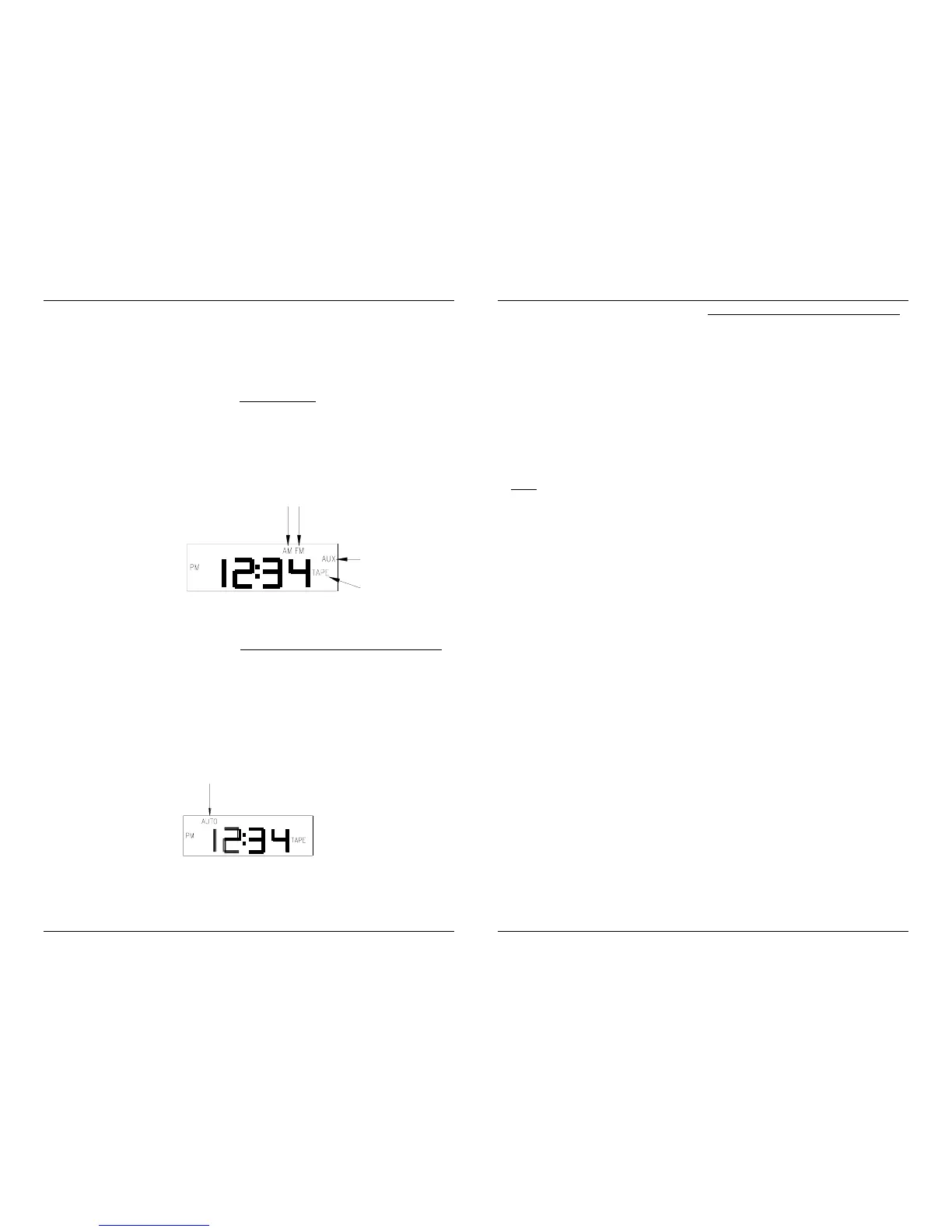
turn the MC350A ON and OFF. When the unit is turned on, one of the four
source select indicators (AM, FM, AUX, or TAPE) on the right side of the
display will be SHOWN. When the unit is off, all four of these annunciators will
be off. The MC350A must be turned on to operate the radio, or to listen to
other music through the unit. The unit must also be turned on to set the time
and to set the auto music function. The intercom functions will work with the
power ON or OFF.
4. AUTO
*
**
* ON/OFF BUTTON - active only when the MC350A is ON.
This button is used to turn the Automatic Music (AUTO *) function ON and
OFF. Depressing the AUTO
* ON/OFF BUTTON momentarily, turns the
AUTO
* on and depressing it again turns the AUTO * off. The AUTO *
function is on when the AUTO indicator is displayed on the top of the display.
When the AUTO
* function is turned on, the MC350A will turn itself ON
Automatically when the current time reaches the Automatic ON TIME and then
turn itself OFF when the current time reaches the Automatic OFF TIME.
5. TIME/AUTO SET BUTTON - active only when the MC350A is ON.
This button is used to access the time setting mode. When the
TIME/AUTO SET BUTTON is depressed momentarily, the display will
indicate "SET TIME" and the current time will be displayed with the hours
flashing. The UP and DOWN BUTTONS can then be used to increment or
decrement the current time hours. Pressing the UP BUTTON (or DOWN
BUTTON) momentarily will increment (or decrement) the hours by one
each time the key is pressed. Holding the UP BUTTON (or DOWN
BUTTON) depressed will rapidly increment (or decrement) the hours until
the button is released. The time display also includes the AM or PM
indicator which is changed by changing the hours past 12:00.
Note
: The MC350A remains in the set mode for 9 seconds with no activity
(no buttons being pressed) after which the unit automatically returns to the
normal mode of operation. The TIME/AUTO SET BUTTON must be
depressed again to return to the set mode.
Once the current hours have been set correctly, momentarily depress the
TIME/AUTO SET BUTTON again. The display will indicate "SET TIME"
and the current time will be shown with the minutes flashing. The UP and
DOWN BUTTONS can be used as described previously to increment or
decrement the current time minutes.
Once the current minutes have been set correctly, momentarily depress the
TIME/AUTO SET BUTTON again to return to the normal mode or let the
MC350A automatically return to the normal mode if no buttons are pressed
for 9 seconds.
To set the AUTO
* ON and OFF times, the TIME/AUTO SET BUTTON
must be momentarily depressed three times without changing the current
time. After depressing the TIME/AUTO SET BUTTON for the third time,
the display will indicate "SET AUTO ON TIME" and the auto on time will be
displayed with the hours flashing. The UP and DOWN BUTTONS can be
used as previously described to increment or decrement the auto on time
hours.
Once the AUTO ON TIME hours have been set correctly, momentarily
depress the TIME/AUTO SET BUTTON again. The display will indicate
"SET AUTO ON TIME" and the AUTO ON TIME will be displayed with
the minutes flashing. The UP and DOWN BUTTONS can be used as
previously described to increment or decrement the AUTO ON TIME
minutes.


 To Next Page
 Loading...