9
MENUS
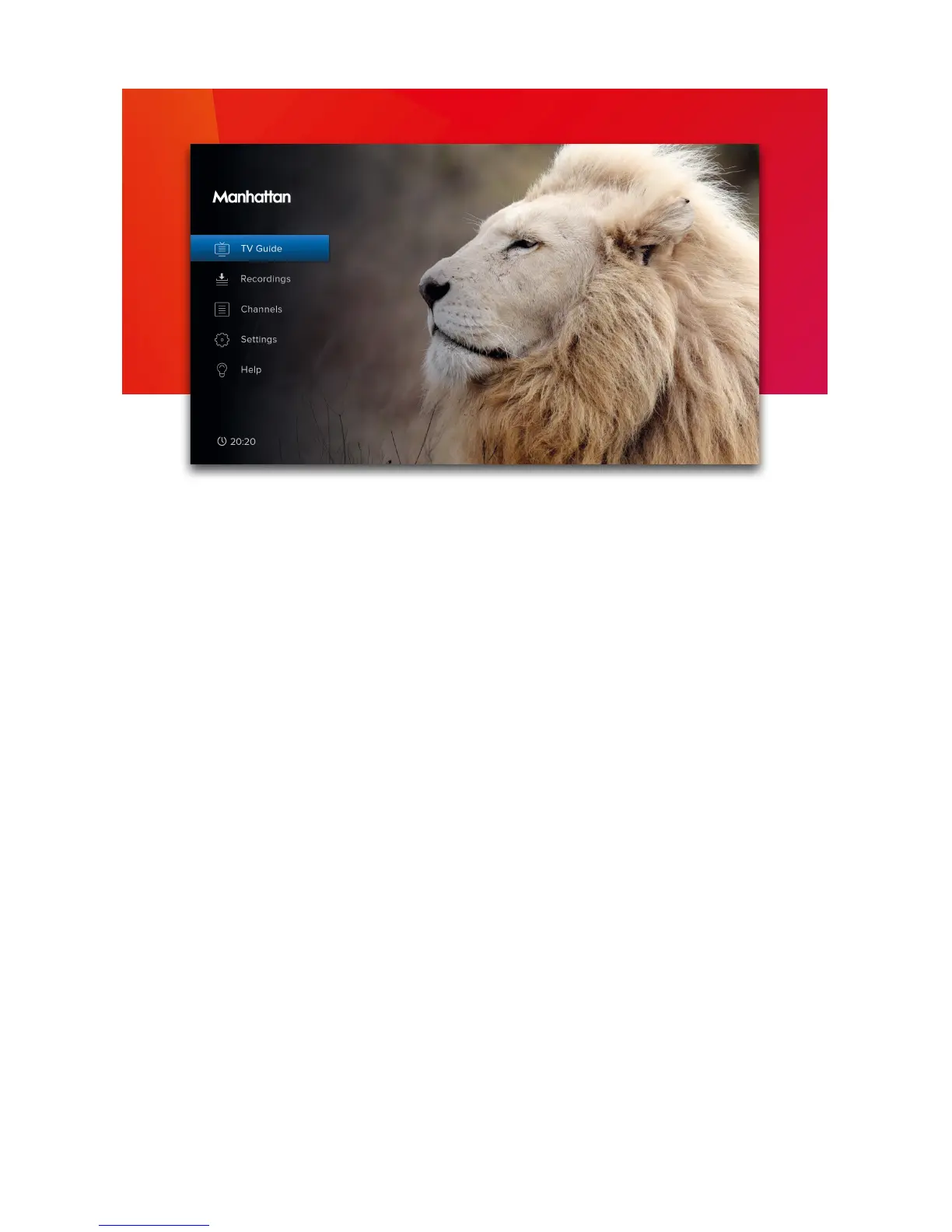
Press MENU to display the Main Menu. Use UP or DOWN to highlight an option and OK to
select it.
Press BACK to go back to a previous menu or EXIT to return to full screen TV.
Main Menu Options
TV Guide
View what’s on across the next 7 days. You can also press GUIDE (see page 5).
Recordings
View and manage your recordings.
Channels
Manage your favourite and protected channel lists or delete channels (see page 10).
Settings
View and modify the T2•R’s settings.
Help
View information about using the T2•R and detailed System Info for troubleshooting.


 To Next Page