EasyManua.ls Logo

Manta DVBT03 - User Manual

Manta DVBT03
28 pages
Go to English
Print Icon
To Next Page IconTo Next Page
Loading...
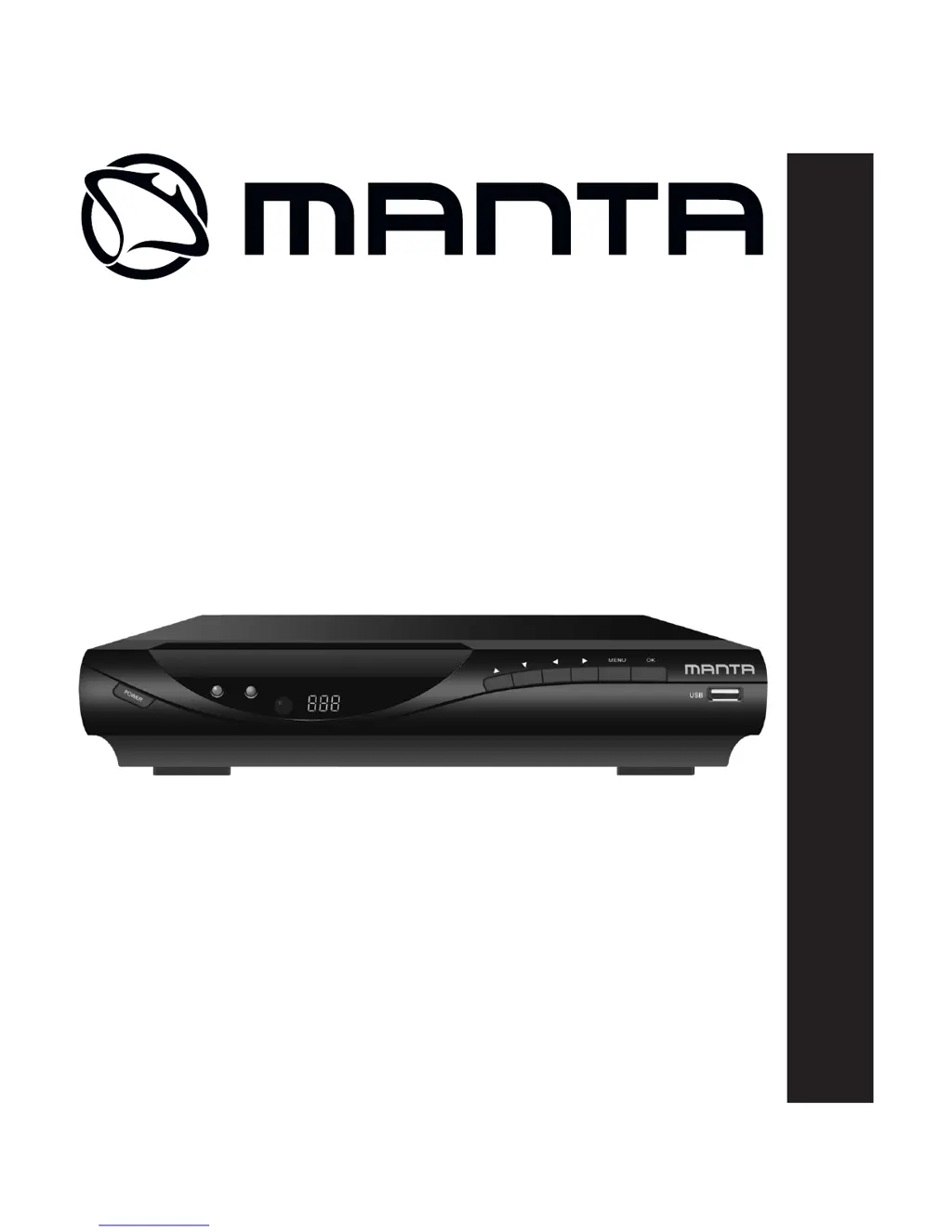
DVB-T HD TUNER
DVBT03
Instrukcja obsługi
Users Manual

Questions and Answers

  • P
    Paul SweeneyAug 2, 2025
    Why is my Manta DVBT03 TV Tuner remote control not working?
    • D
      Dakota MendozaAug 2, 2025
      If your Manta TV Tuner remote control isn't working, the batteries may be dead. Try replacing them with new ones. Also, make sure you're pointing the remote directly at the front panel and that you are close enough to the device.
  • J
    Jill HaydenAug 8, 2025
    What to do if I get only sound, but no image on the screen of my Manta DVBT03 TV Tuner?
    • C
      carpenterdawnAug 8, 2025
      If you're getting only sound but no picture on your Manta TV Tuner, check that the AV cable is properly connected. It's also possible that the current program is a radio program. Press the TV/RADIO key to switch to TV mode.
  • X
    xcolemanAug 13, 2025
    How to fix no sound from the speaker of Manta DVBT03?
    • A
      Amy TaylorAug 13, 2025
      If you're not getting any sound from the speaker of your Manta TV Tuner, ensure the audio cable is correctly connected. Also, check that the sound isn't muted and the volume is at an audible level. You might also try selecting a different audio track.
  • A
    aprilmedinaAug 19, 2025
    What to do if my Manta TV Tuner screen shows “No Signal“?
    • W
      williamsannaSep 12, 2025
      If your Manta TV Tuner displays a 'No Signal' message, first ensure that the DVB-T cable is securely plugged in. If it is, verify that you've set up the correct parameters in the settings.
  • J
    Jessica HenryAug 26, 2025
    Why does the image on my Manta DVBT03 stop suddenly or look like a mosaic?
    • L
      Laurie YuAug 27, 2025
      If you're experiencing a sudden image stop or mosaic effect on your Manta TV Tuner, it's likely that the signal is too weak. Try to strengthen the signal.

Summary

Users Manual

Safety Instructions

Remote Control Operations

Installing the Batteries

Instructions for opening the battery compartment, inserting batteries, and closing the cover.

Using the Remote Control

Guidance on pointing the remote and its effective range and angle.

Device Connection Guide

Initial Setup and Installation

Channel Search Methods

Manual Channel Search

Manually install new channels by setting frequency and bandwidth.

Automatic Channel Search

Automatically scan and install all available channels, overwriting existing ones.

System Settings Management

Restore Factory Defaults

Reset the set-top box to its original factory settings, clearing all channels and configurations.

USB Media Playback

Multimedia File Support

Play music, photo, and movie files from USB devices supporting NTFS, FAT, and FAT32.

Movie and PVR Functions

Movie Playback and Recording

Configure movie playback settings and manage PVR recordings.

PVR Recording and Playback

Record TV programs using PVR and play back recorded files.

Troubleshooting Common Issues

Product Specifications

Manta DVBT03 Specifications

General IconGeneral
BrandManta
ModelDVBT03
CategoryTV Tuner
LanguageEnglish

Related product manuals