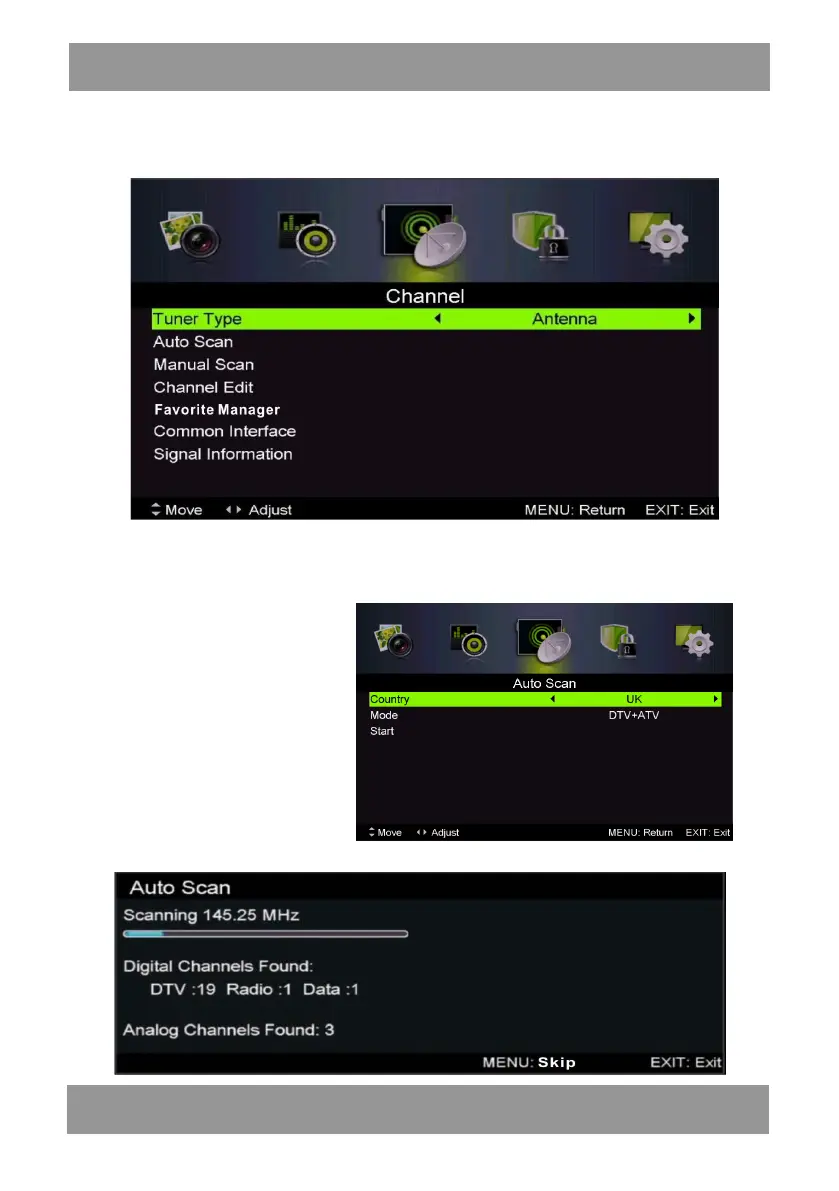
Channel
Press MENU button to display the main menu. Press ◄ / ► button to select CHANNEL in the
main menu
1.Auto Scan
Press “/” button to select “Auto Scan”
Press “/” button to select country and press the“/” button to select mode.
Press “/”button and then press
“ ”button to start scanning.
Press “MENU” or “EXIT”button
to stop
Note:
Searching for platform will take a long time. Please be patient!
ENLED1905



 To Next Page