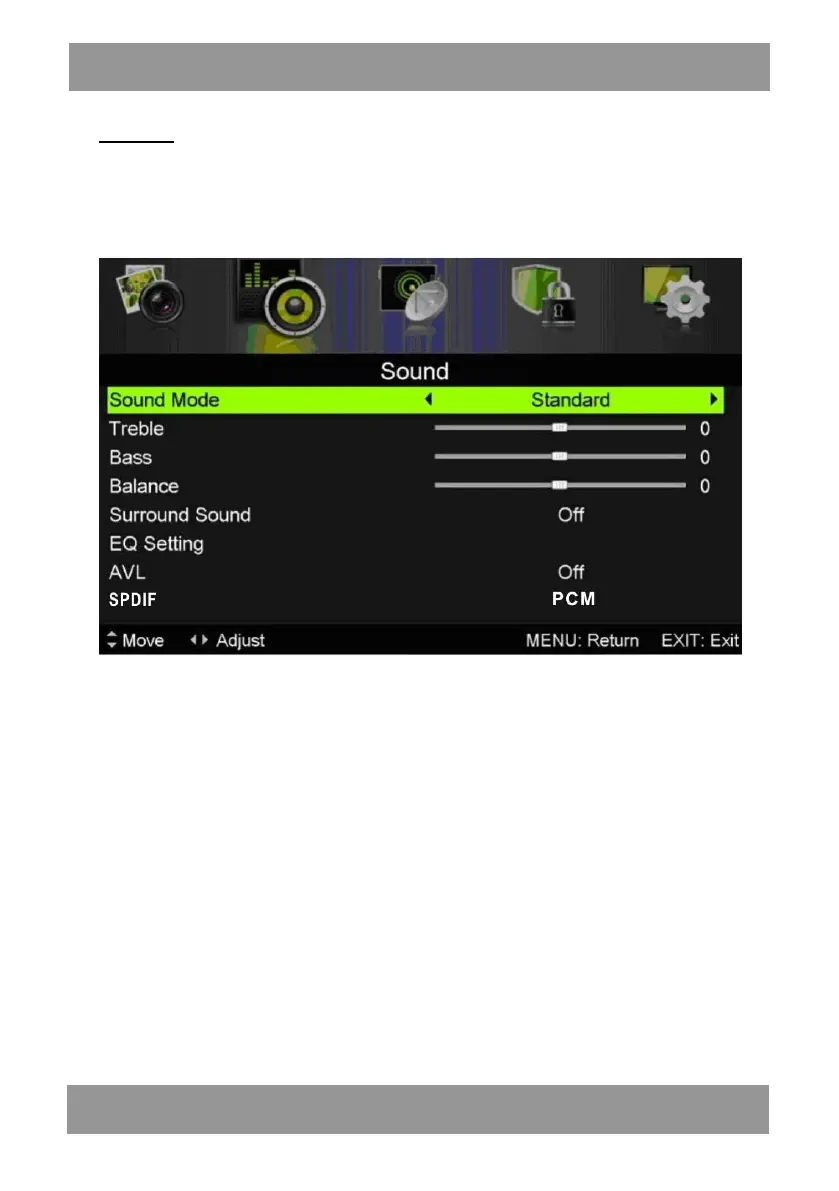
SOUND
You can s elect th e typ e of s ound, which be st corre sponds to your listen ing.
Press the “MENU” button to enter the OSD menu. Then press “/” button to select the
“SOUND” menu.
1. Press “/” button to select “Sound Mode” and press the “/” button to select mode.
2. Press “/” button to select “Treble” and press the “/” button to adjust.
3. Press “/” button to select “Bass” and press the “/” button to adjust.
4. Press “/” button to select “Balance” and press the “/” button to adjust.
5. Press “/” button to select “Surround sound’’and“/” button to select“ON”or “OFF”.
6. Press “/” button to select “EQ Setting’’and“/” button to enter EQ Setting adjust-
ment menu to adjust EQ..
7. Press “/” button to select “AV L ” and press the “/” button to select “On” or “Off”.
8. Press “/” button to select “SPDIF” and press the “/” button to select .
9. Press “/” button to select “Audio Description” and press the “” button to enter sub-
menu to select .
10. Press “/” button to select “Sound Type” and press the “/” button to select.
ENLED1905



 To Next Page