USER’S MANUAL
20
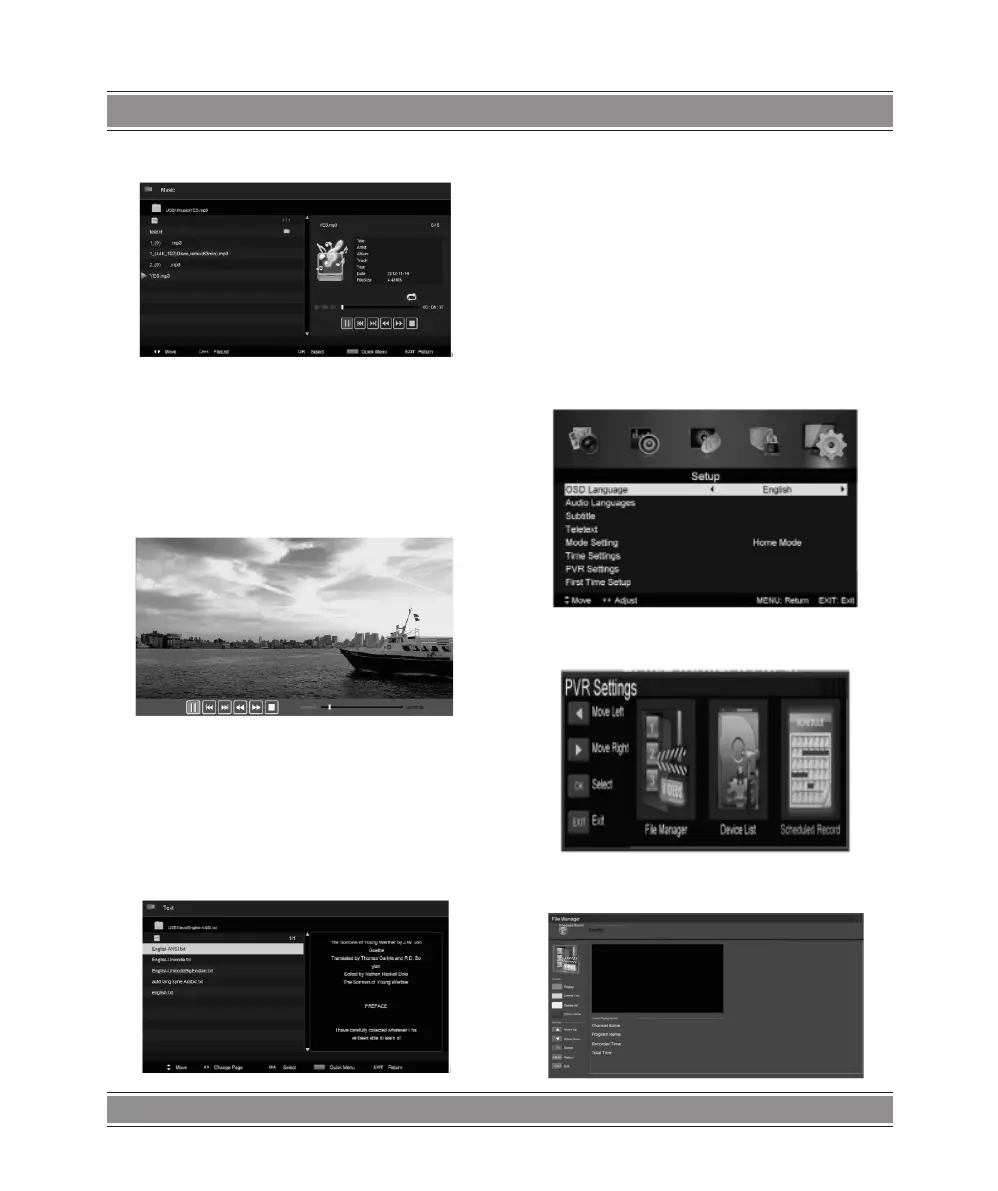
Music
1.Press t / u button to select MUSIC in the main menu, then
press enter button to enter
2. Press t / u button to select drive disk you want to watch,
then press enter button to enter
3. Press “BLUE” button to enter the sub menu to set.
4.. Press the “exit” button to back to the previous menu
Movie
1. Press t / u button to select MOVIE in the main menu, then
press enter button to enter
2. Press t / u button to select drive disk you want to watch,
then press enter button to enter
3. Press “BLUE” button to enter the sub menu to set.
4. Press the “exit” button to back to the previous menu.
Tex t
1.Press t / u button to select TEXT in the main menu, then
press enter button to enter.
2. Press t / u button to select drive disk you want to watch,
then press enter button to enter
3.Press “BLUE” button to enter the sub menu to set.
4. Press the “exit” button to back to the previous menu.
PVR Operation
In DTV source, press the “MENU” button to enter the OSD
menu. Then press t / u button to select the “Setup” menu.
1. Press / button to select “PVR Settings” and press the
“ENTER”or u button to enter.
a) Press t / u button to select “File Manager” and press the
“ENTER” button to check PVR le system.



 To Next Page