WHAT TO DO JUST IN CASE ¢continuea)
2. Push in the choke
but Lon to open the choke,
3, Press the plastic bubble a
few times,
4. Give the starter cord a t_w
short, quick pulls. The m_gine
should start and run.
5. If the engine does not start.
then pull out the choke button
to close the choke. Pull the
starter cord four to I:ive times,
The eng{ne should sputter or
cough.
6. After the engine sputters.
push the choke button in. Then
pull the starter cord. The engine
shou]d start and run,
7. If the engine still does not
start, repeat steps 2 through 6.
8, If the engine still doe_
not start, call 1-800-366-6268
and ask for Customer Service
or the name of your local
Mantis dealer,
IMPORTANT NOTE:
Never use starting _uidso
Starting iluids will cause
permanent engine
damage. Using them will
void the warranty.
IMPORTANT NOTE:
Before you use your
Mantis Ti|ler, read the
Safety Rules & Warnings
on pages 3-5.
GETTING YOUR TILLER TO YOUR GARDEN
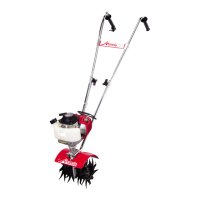
Walk it.
Once your tiller is running,
you car_ '_walk" it to your
}garden, Just press the throtde
Icy er gently and let the viler
_'lip-toe" across your yard on its
tines. It won't hurt your lawn or
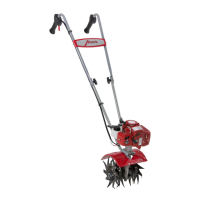
driveway, (Picture t)
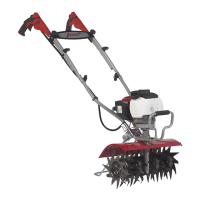
Make sure the engine _s oK
Ther_ use on e hand W grasp the
convenient carrying handle. Use
the other hand to hold the
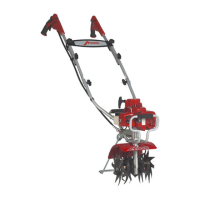
handlebars. /Picture 2) Then lift
your tiller and carry it _o your
garden. Since it weighs only 20
pounds, it w_ n't strain your
muscles o_ tire you out!
Take It for a Ride.
You can easily transport your
Mantis Tiller to a friend's or
relative's house. Just empty the
[ue] lank. (This is crucial.)
Then s_ow your Tiller in the
trunk of your car or truck. It
fits easily. And you can put it in
and take it our withou_
straining your back
Picture i Picture 2 Picture 3



 To Next Page