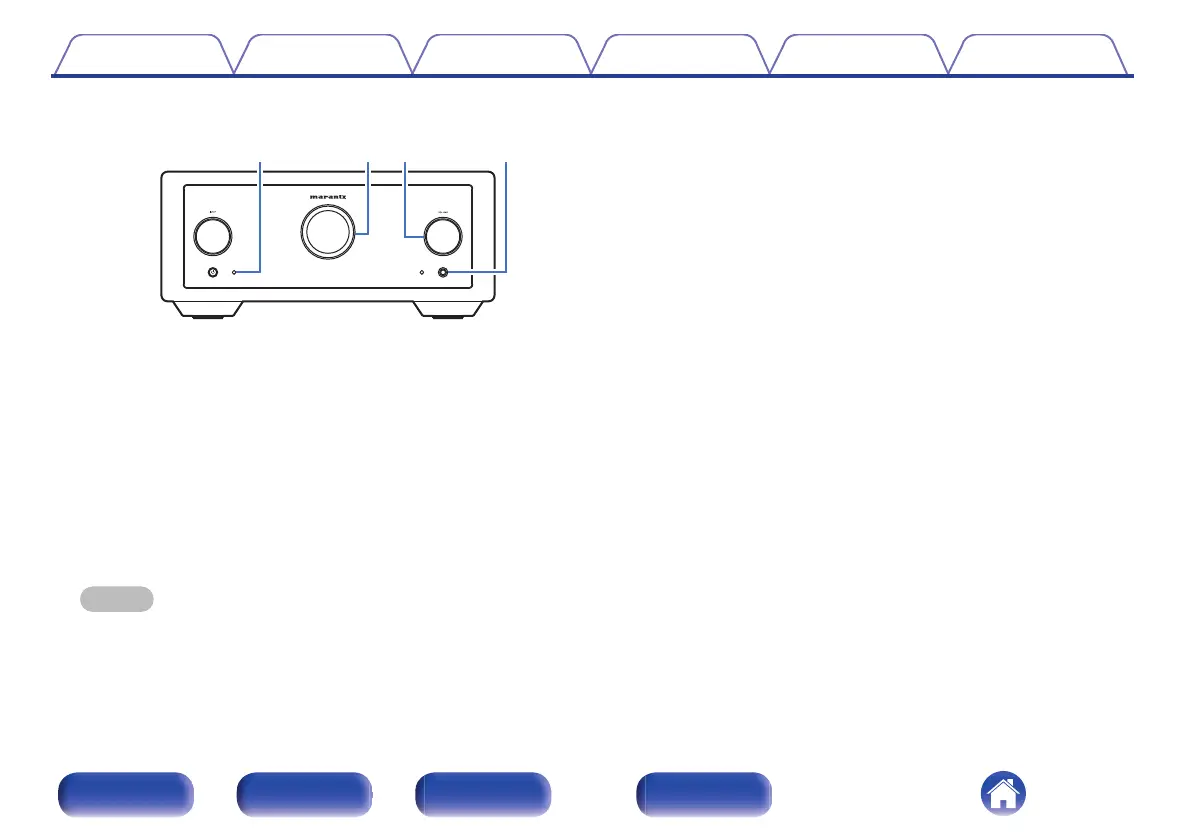
E
Remote control sensor
This receives signals from the remote control unit. (v p. 5)
F
Display
This displays various pieces of information.
G
VOLUME knob
Adjusts the volume level. (v p. 41)
H
Headphones jack
Used to connect headphones.
When the headphones are plugged into this jack, audio will no longer
be output from the connected speakers and from the PREAMP OUT
connectors.
NOTE
0
To prevent hearing loss, do not raise the volume level excessively when using
headphones.
Contents Connections Playback Settings Tips Appendix
8
Front/Top
panel
Rear panel
Remote control
unit
Index



 To Next Page