r
we
q
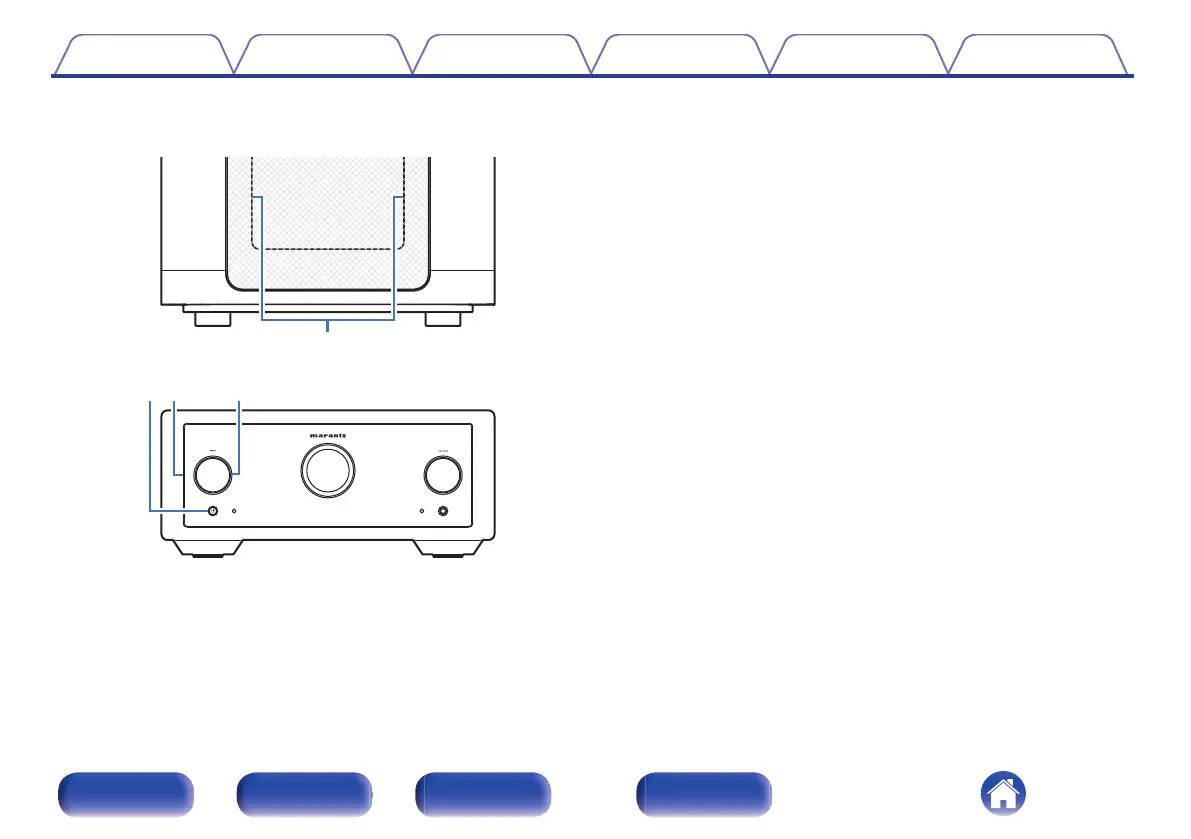
GTop panelH
GFront panelH
A
Interior illumination
Illuminates when powered on. Brightness can be changed and lighting
turned off.
0
“Turning the front panel illumination, interior illumination and display
on/off” (v p. 45)
0
“Illumination” (v p. 49)
B
Power (X) button/indicator
0
This turns the power on/off (standby). (v p. 40)
0
This is lit as follows according to the power status:
0
Power on : White
0
Standby : Off
0
When the protection circuit is activated : Orange (blinking)
C
Front panel illumination
Illuminates when powered on. Brightness can be changed and lighting
turned off.
0
“Turning the front panel illumination, interior illumination and display
on/off” (v p. 45)
0
“Illumination” (v p. 49)
D
INPUT selector knob
This selects the input source. (v p. 41)
Contents
Connections Playback Settings Tips Appendix
7
Front/Top
panel
Rear panel
Remote control
unit
Index



 To Next Page