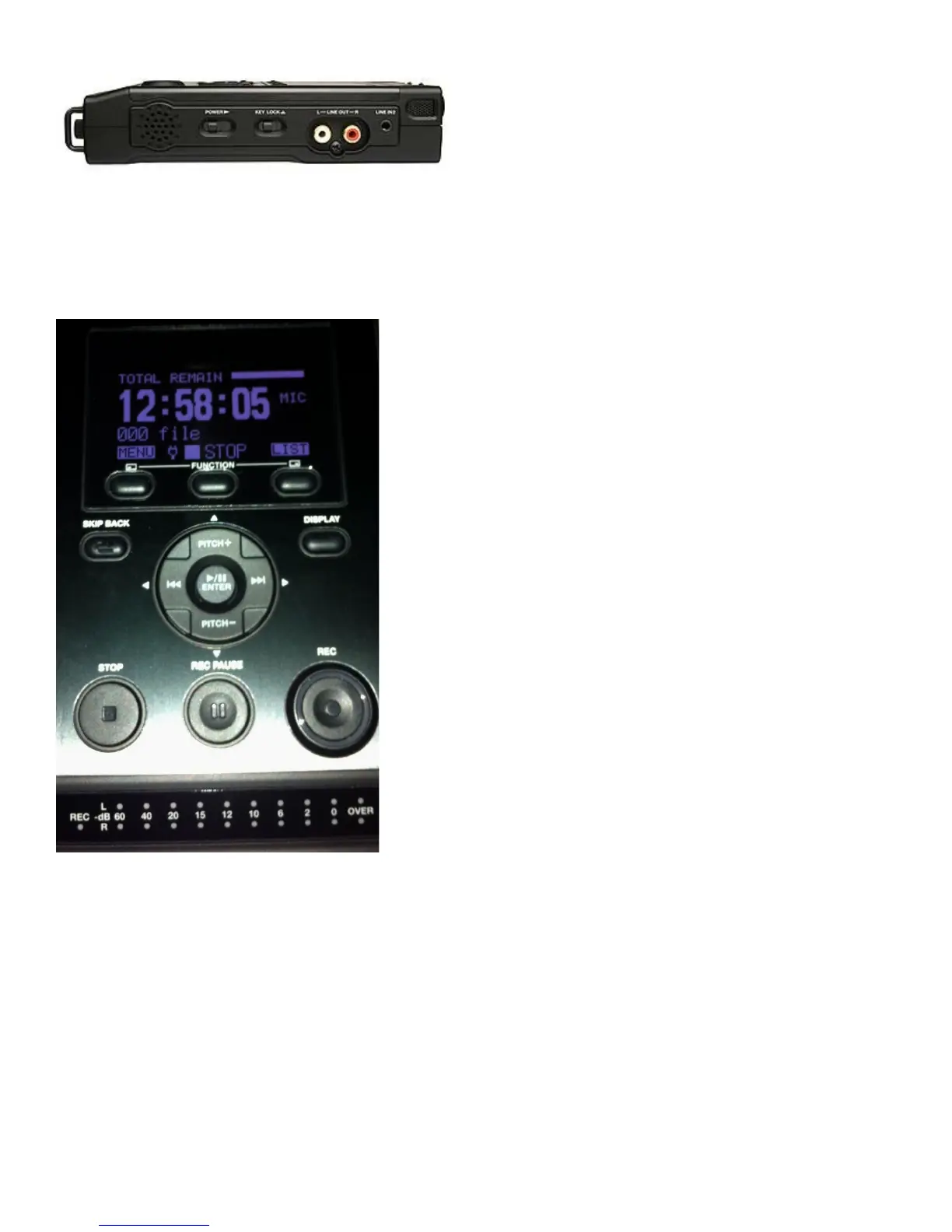
-The Power button is on the right side of the unit. (Beside the Key Lock)
-The display will turn on and “Marantz Professional” will display briefly. If the card is empty and you
have not yet started to record then the display will show the available recording space depending on
the size of the SD card, “Total Remain: 12:58:05”. The smaller 000 display is for the track number.
Mic should also be displayed (this indicates use of an external microphone).
-The battery display should read full. If the battery shows only half full, you have 5 to 10 minutes of
recording time left. If the display is flashing you have 1 to 3 minutes left. If the battery display is
completely empty then the batteries are dead or not installed properly. If you have no other AA
batteries then switch to the AC adaptor. The display will show a small electrical plug indicating you
are plugged in to an outlet.
TO BEGIN RECORDING:
-Press the recording button ‘REC’ to begin recording. A red circle will light up on the button. The
display will show a circle and REC indicating the machine is recording. Press the ‘Rec Pause’
button. This will pause the recording.



 To Next Page