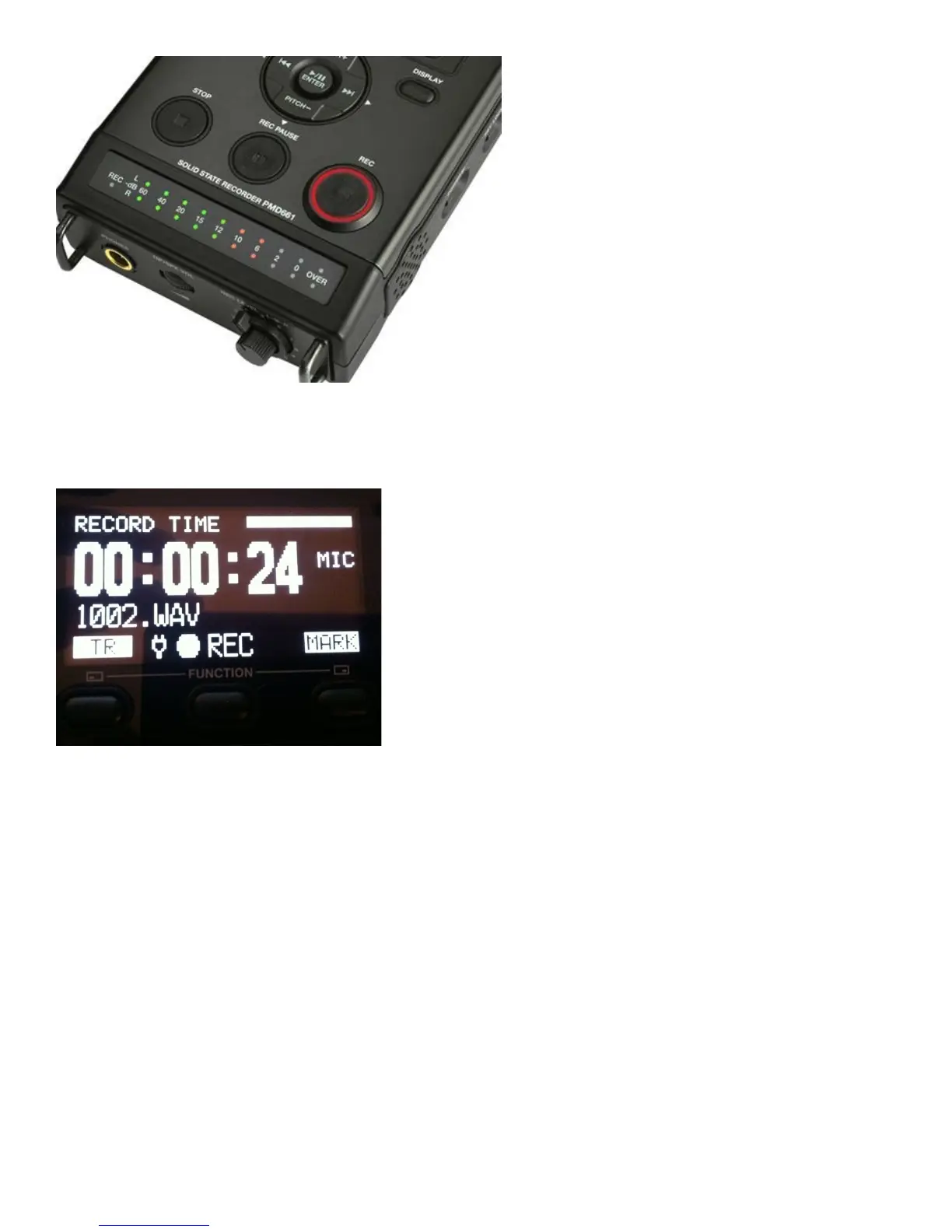
- The new Track number will be displayed “1001”. Each time you stop and start recording again the
machine creates a new track “1002”, ‘1003’ and so on. Take note when an interviewee says something
that you know you want to use, what track it is recorded on and what time it was at. This makes
finding the quotes easier when you return to class.
-The Track Time will be displayed. This shows you how long this particular track recording is. When
you hit STOP the display will switch and show you how many tracks have been recorded and the Total
Remain time for recording.
-Set the sound levels for your interview using the REC Level dial on the right corner of the unit.
Have your interviewee speak into the microphone and adjust the dials so the levels are peaking
between -10 and -6db. Do not go over 0db.
-Once the levels are set, press the ‘REC’ switch again. This releases the Pause on the machine and
begins recording. Once you are finished recording push Stop.
TO PLAY BACK:
-
To playback simply use the ‘Track Jump’ buttons or to select the track number you wish to
play. Press the ‘Play/Pause’ /ll button to start playback



 To Next Page