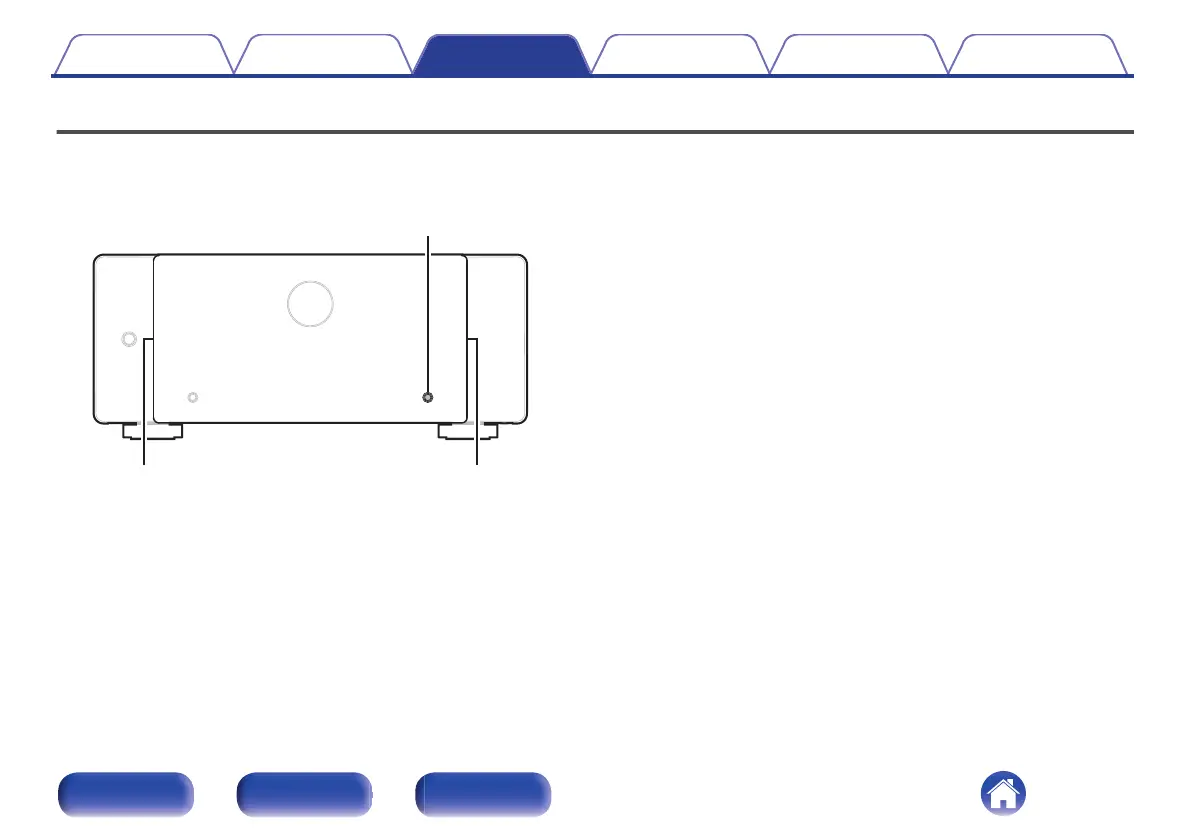
Changing the brightness of the illumination
The brightness of the illumination can be adjusted between four levels. Setting the illumination to off reduces noise that could affect playback, achieving
high audio quality.
The factory setting is the brightest illumination level.
DIMMER
Illumination Illumination
1
Press DIMMER.
0
This button toggles through the illumination brightness levels.
Contents Connections Playback Tips Appendix Specifications
30
Front panel Rear panel Index



 To Next Page