1
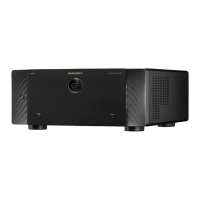
Thank you for choosing a Marantz Pre
Tuner.
This guide provides step-by-step
instructions for setting up your Pre
Tuner.
Please do not return this unit to the
store – call for assistance.
If you need help… :
If you need additional help in solving
problems, contact Marantz customer
service in your area.
www.marantz.com
Welcome Before You Begin
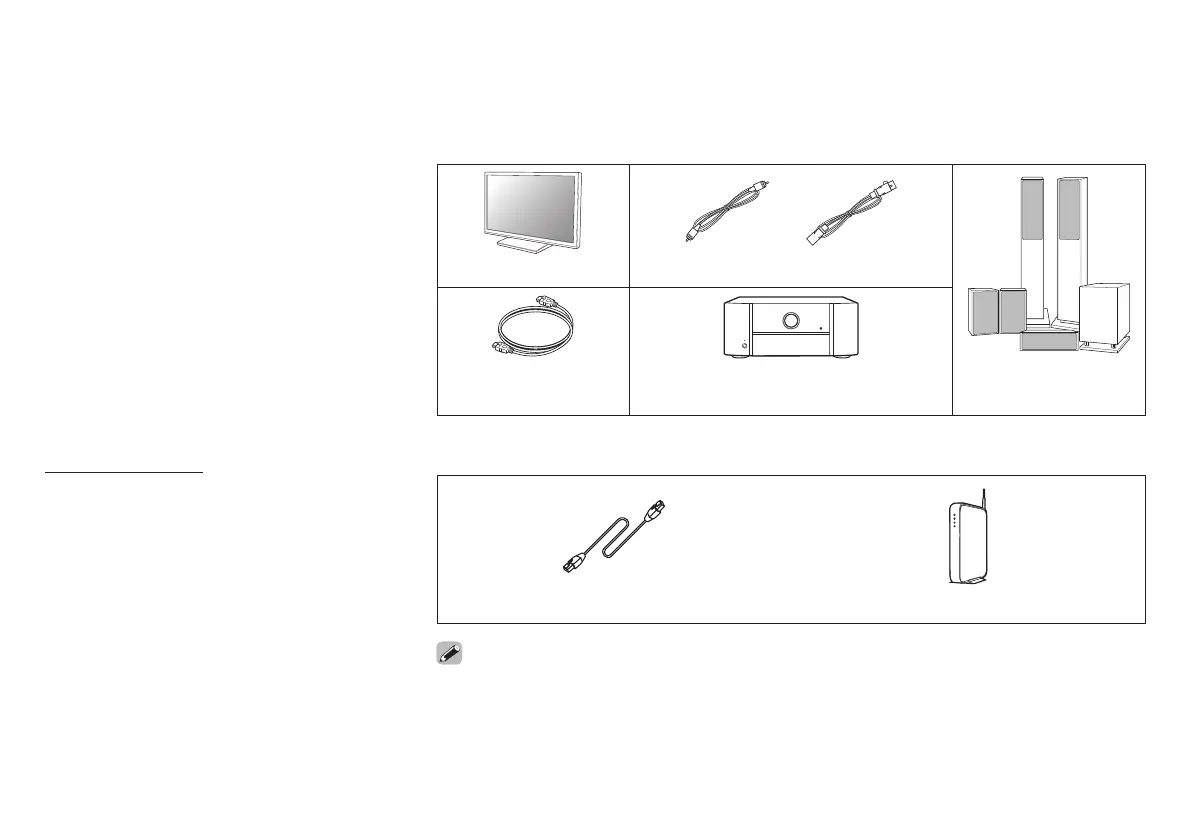
Required for Setup
or
TV RCA cables XLR cables
HDMI cable Power amplifier Speakers /
Speaker cables
Optional
LAN cable Wi-Fi router
• When connecting this unit to a device that is compatible with the Deep Color, 4K and ARC
functions, use a “High Speed HDMI cable with Ethernet” that displays the HDMI logo.
• These drawings are for illustrative purposes only and may not represent the actual product(s).
or
1. AV8805N_QSG_ENG_00A_1204.indd 1 2017/12/04 15:16:13



 To Next Page