n
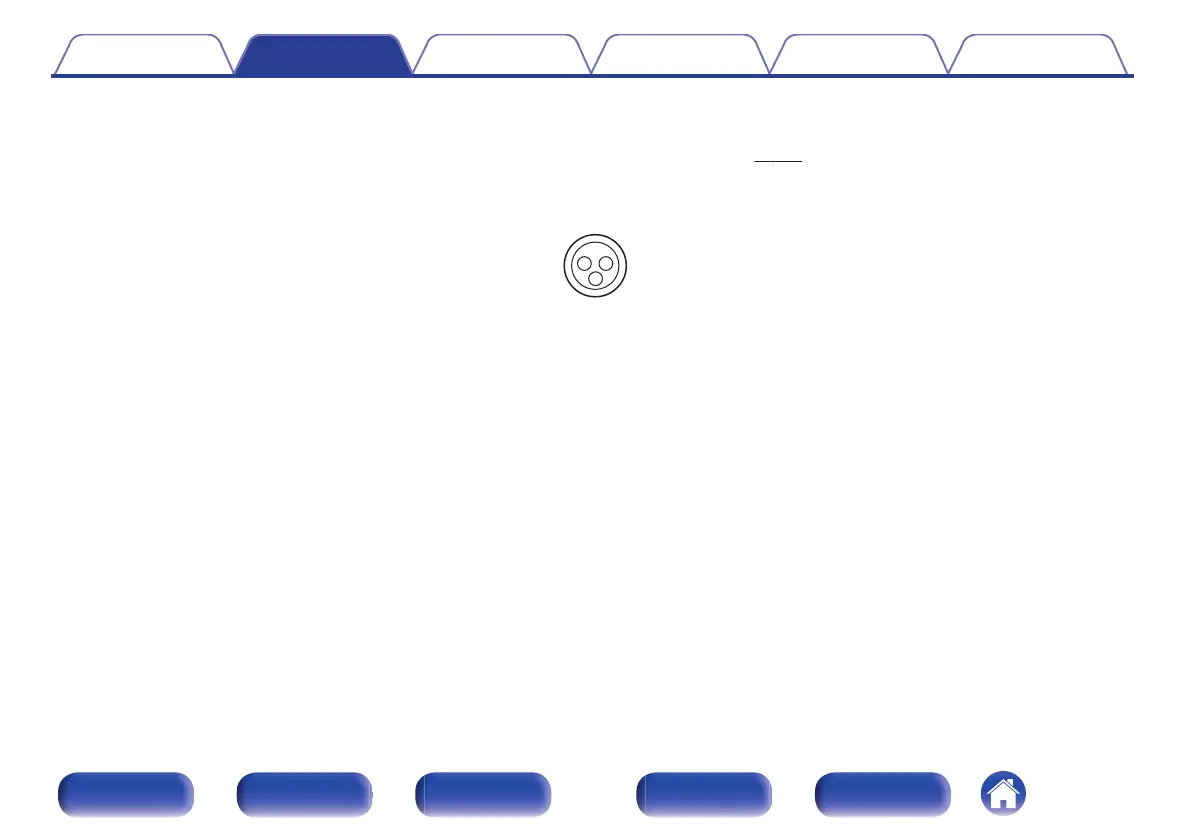
Connecting the BALANCED XLR IN connector
This unit is equipped with BALANCED XLR IN connectors. Use these connectors if your device has an XLR connector as an audio output connector.
When using BALANCED XLR IN connectors, assign “XLR” for “Input Assign” – “ANALOG”. (v p. 213)
By default, these connectors are disabled.
G AV8805 BALANCED XLR IN connector PIN arrangement H
.
A
GND (Ground)
B
HOT (+)
C
COLD (–)
Contents Connections Playback Settings Tips Appendix
86
Front panel Display Rear panel Remote Index



 To Next Page