0
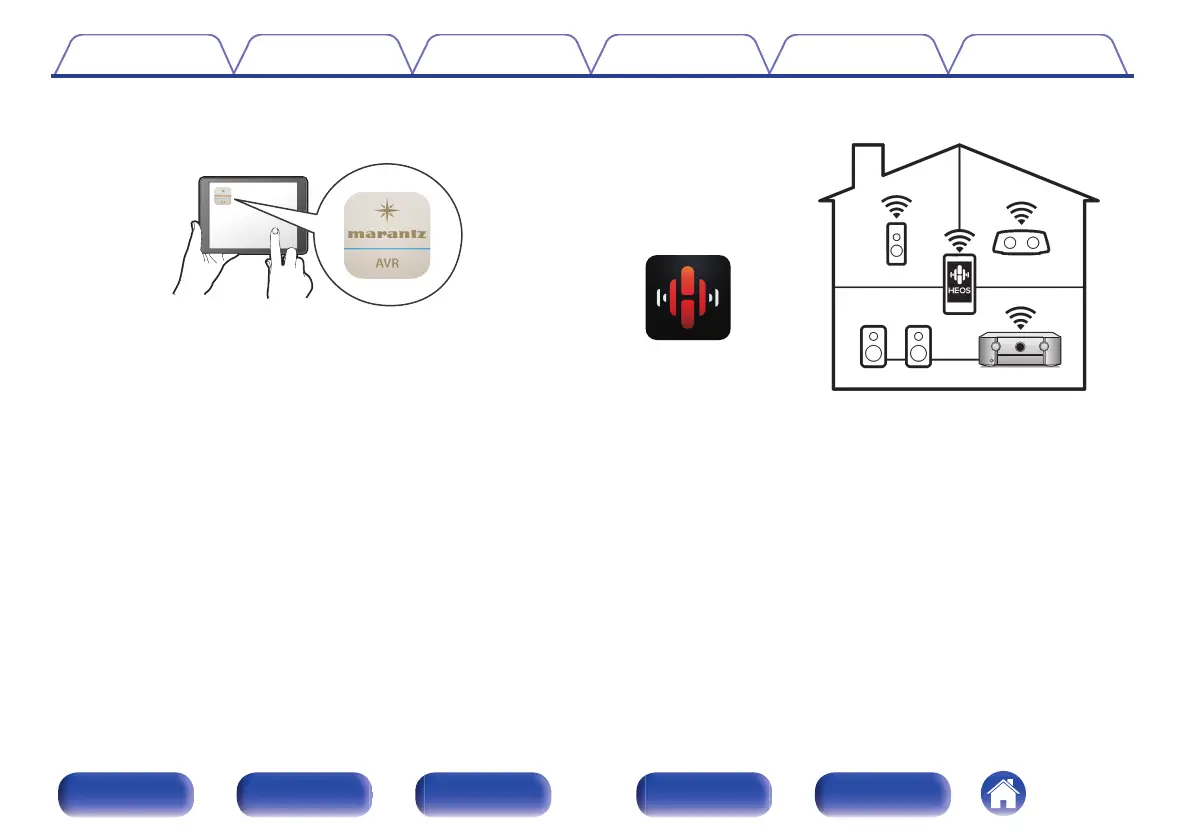
Compatible with the “Marantz 2016 AVR Remote” App
z
for
performing basic operations of the unit with an iPad, iPhone or
Android™ devices (Google, Amazon Kindle Fire)
.
Along with many new features, the graphics and user interface have
been completely overhauled. The new app gives you full control of this
unit as well as access to its setup menu for detailed adjustments from
your phones or tablets. “Marantz 2016 AVR Remote” App also gives
you quick access to the receiver's status display, option menus,
Marantz Blu-ray Disc player control, and online owner's manual for your
convenience.
z
Download the appropriate “Marantz 2016 AVR Remote” App for your iOS or
Android devices. This unit needs to be connected to the same LAN or Wi-Fi
(wireless LAN) network that the iPad, iPhone or Android™ is connected to.
0
HEOS provides streaming music from your favorite online music
sources
.
HEOS wireless multi-room sound system that enables you to enjoy your
favorite music anywhere and everywhere around your home. By utilizing
your existing home network and the HEOS App (available for iOS,
Android and Amazon devices), you can explore, browse, and play
music from your own music library or from many online streaming music
services.
When multiple products with HEOS Built-in are connected to the same
network, they can be grouped to play the same music on all products
simultaneously, or different music can be played on each one.
Contents
Connections Playback Settings Tips Appendix
16
Front panel Display Rear panel Remote Index



 To Next Page