- 20 -
How to play continued
a b
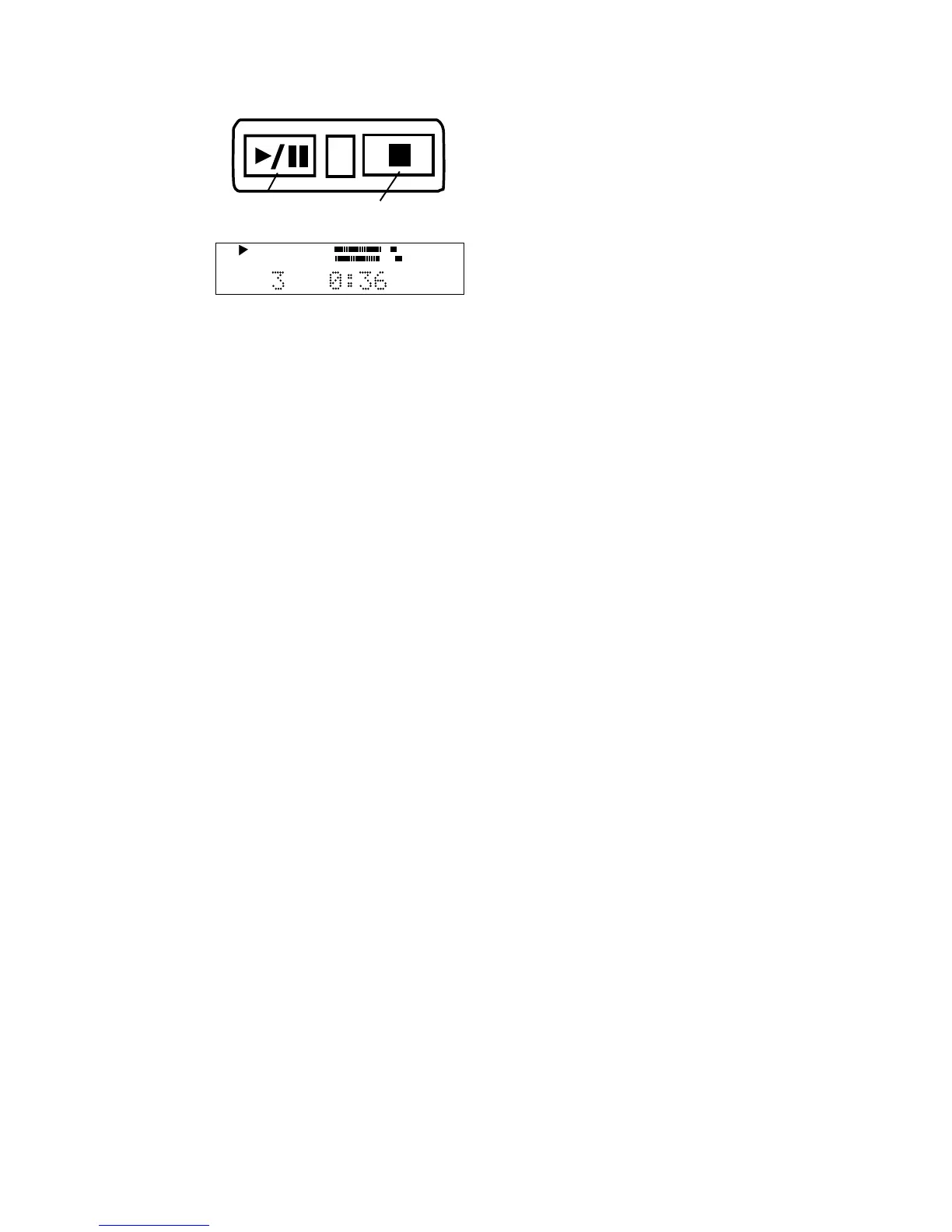
3 Push Play/
Pause (a) to
play the pro-
gram.
TRACK
CD
R
L
dB-50 -30 -22 -16 -12 -8 -4 0
CD
PROG
Example
display
shown.
a Push Play/Pause to pause, push again to resume
play from that point in the program.
b Push Stop to stop. Push Play/Pause to resume
play from the beginning of the program.
After programming tracks Single Track play can be
selected. See How to play a Single Track.
1 In Stop mode push and release PROG to enter
Program mode.
2 Push and release CANCEL/DELETE to erase the
track. You can only erase the last track of the
program. If you wish to erase a track in the middle
of your program, then you must also erase any
tracks that were programmed after it.
How to erase a programmed track
How to clear a program
Push Stop b twice to clear the program and exit
program mode.
Pause, Stop: While playing the program:














 To Next Page