- 34 -
How to erase CD text
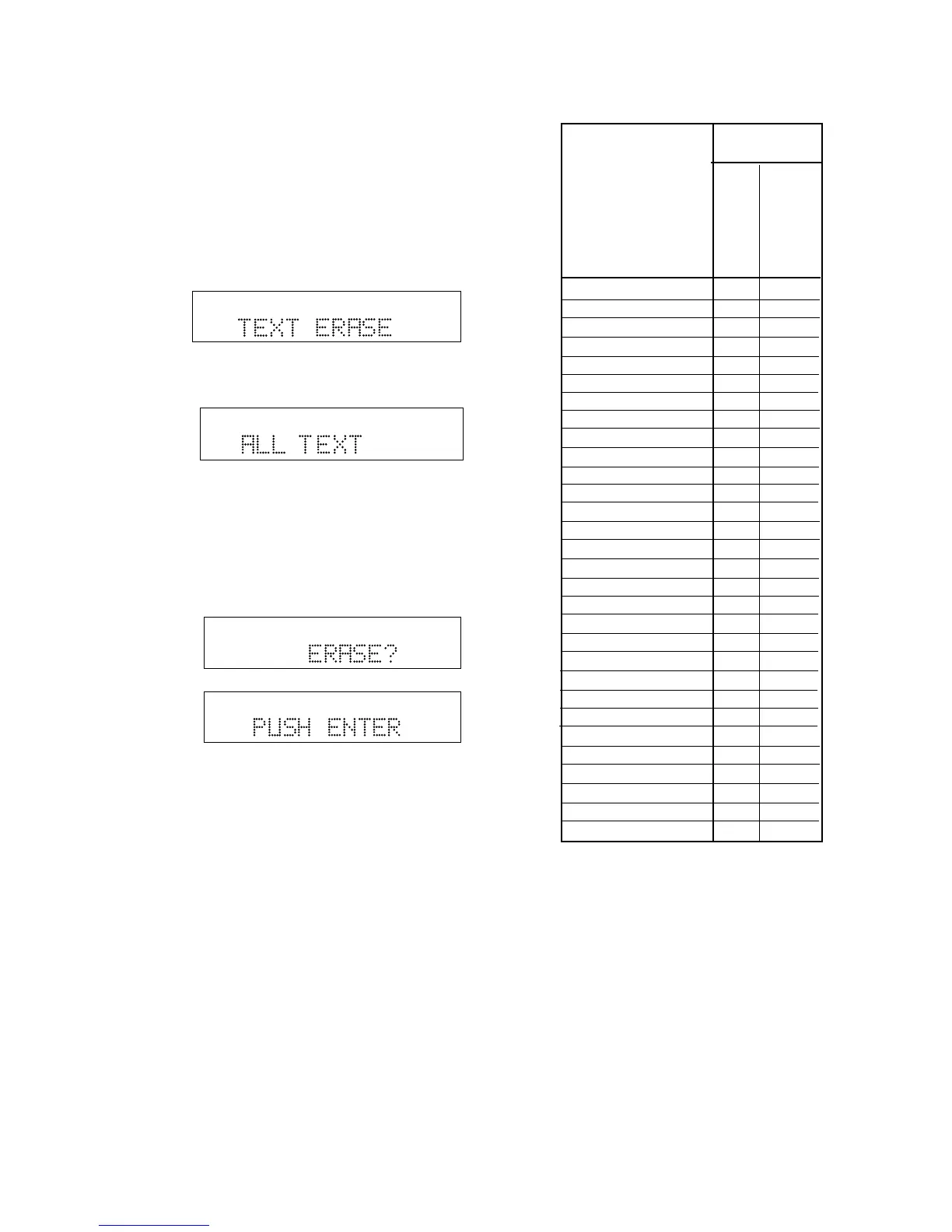
The TEXT ERASE menu item lets you delete CD text
that has been entered.
With your unfinalized disk in the CDR drive and
stopped
1 Push and release MENU/STORE.
2 Turn the SELECT control so TEXT ERASE is
displayed.
TOTAL TRACK
CD-R
R
L
dB-50 -30 -22 -16 -12 -8 -4 0
CD-RW
3 Push and release the SELECT control to confirm
the selection. ALL TEXT is displayed.
TOTAL TRACK
CD-R
R
L
dB-50 -30 -22 -16 -12 -8 -4 0
CD-RW
When ALL TEXT is displayed, turn the SELECT
control to select erasing only the CD title or a track
title.
4 Push and release the SELECT control to confirm
the selection. ERASE? is displayed briefly, then
PUSH ENTER is displayed.
TOTAL TRACK
CD-R
R
L
dB-50 -30 -22 -16 -12 -8 -4 0
CD-RW
TOTAL TRACK
CD-R
R
L
dB-50 -30 -22 -16 -12 -8 -4 0
CD-RW
Push and release the SELECT control to erase the
selected text.
RC-5 remote control codes
0 _ Space 26 00
1 ABCabc 26 01
2 DEFdef 26 02
3 GHIghi 26 03
4 JKLjkl 26 04
5 MNOmno 26 05
6 PQRpqr 26 06
7 STUstu 26 07
8 VWvw 26 08
9 XYZxyz 26 09
PLAY 26 53
STOP 26 54
PAUSE 26 48
NEXT 26 32
PREVIOUS 26 33
FF 26 52
REW 26 50
CANCEL/DELETE 26 49
DISPLAY 26 11
AMS (intro scan) 26 43
REC 26 55
OPEN/CLOSE 26 45
STANDBY 26 12
TEXT 26 15
ENTER 26 87
MENU/STORE 26 82
REPEAT 26 29
A - B 26 59
TR.INCR 26 114
SINGLE 26 5911
CD-R code
System (dec)
Command (dec)
Function














 To Next Page