FUNCTIONAL OVERVIEW 11
ENGLISH
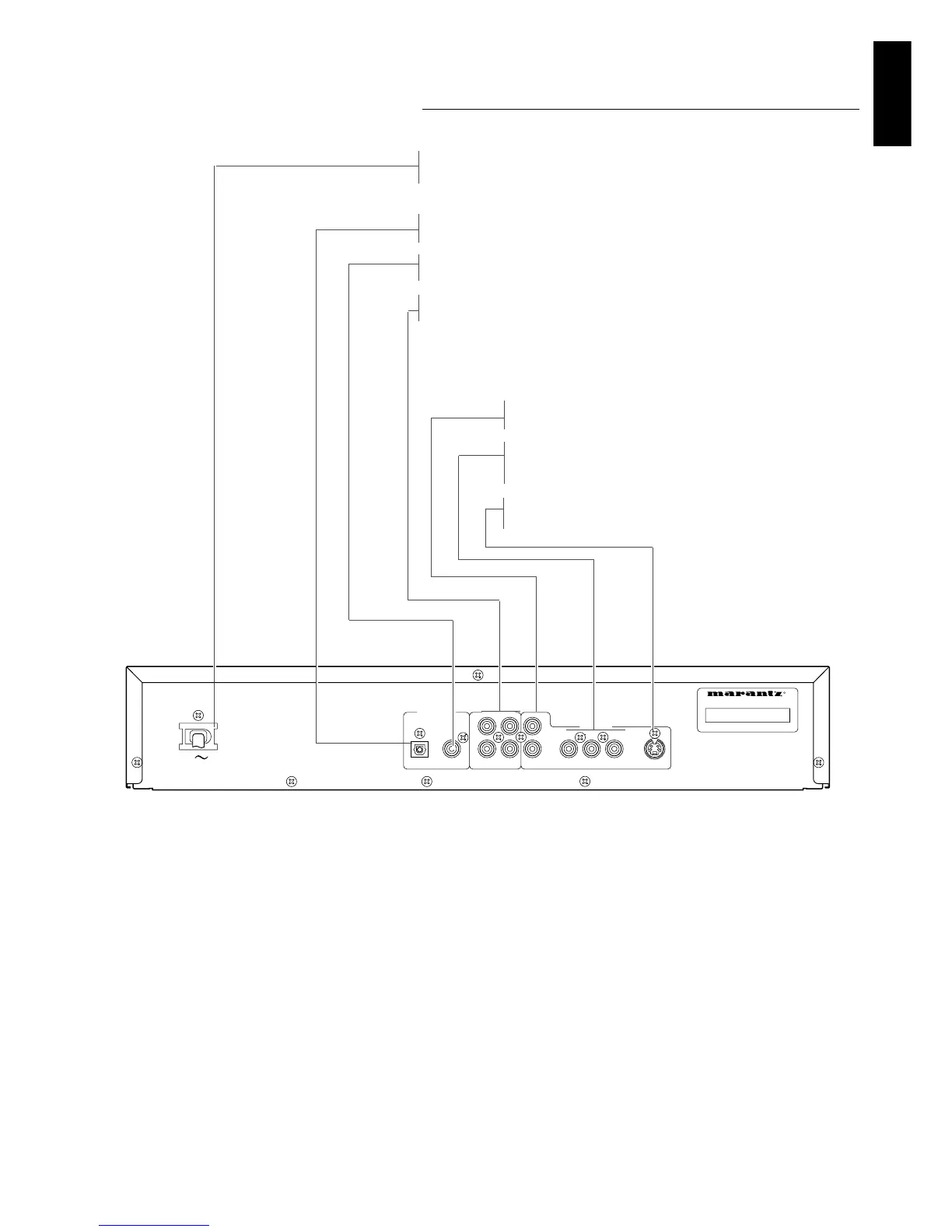
Rear panel
Caution: Do not touch the inner pins of the jacks on the rear panel
connectors. Electrostatic discharge may cause permanent damage
to the unit.
Video Out (CVBS)
- connect to a TV with CVBS video inputs
Video Out (CR CB Y)
- connect to your TV CR,CB,Y inputs for better picture
quality
Video Out (S-Video)
- connect to a TV with S- Video (Y/C) inputs
Digital audio out jack (optical)
- connect to digital (optical) equipment
Digital audio out jack (coaxial)
- connect to digital (coaxial) equipment
Audio / L/R (Left/Right)
- connect to an amplifier, receiver or stereo system
MAINS (AC) power jack
- connect to the power source



 To Next Page