20 PREPARATION
ENGLISH
Turning On the power
1 Switch on the TV and select the video input channel for your DVD-
Video player.
2 Press ON button.
Initial Setup
General
In ‘Initial Setup’ you may have to set your preferences for some of
the player’s features. (not applicable for all models)
Operation
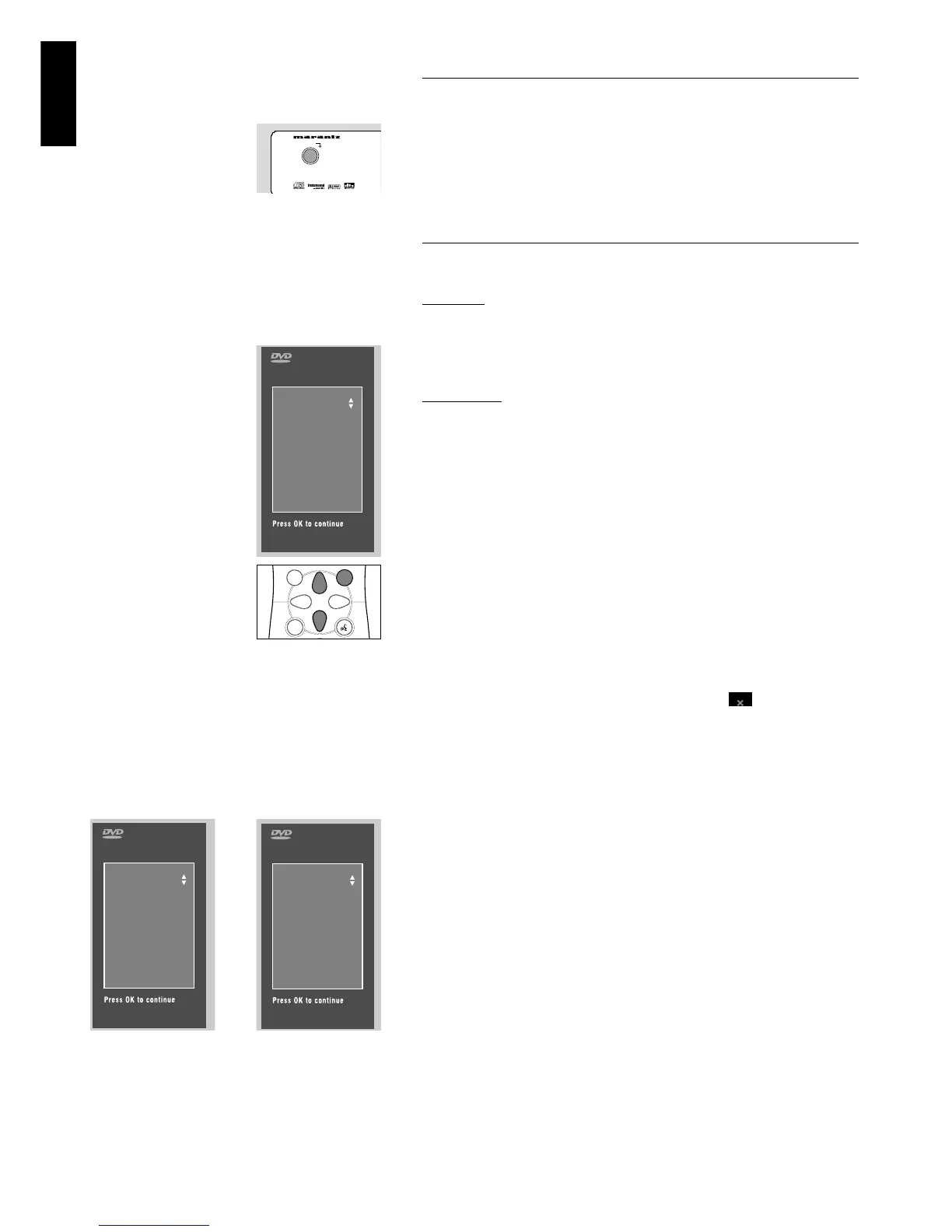
After switching on the player for the very first time, the ‘Initial
Setup Screen’ will appear.
The menu for the first item to be set is displayed and the first
option is highlighted.
● Use the wvkeys to go through the options in the menu.
The icon of the selected option will be highlighted.
● Use OK to confirm your selection and to go to the next menu.
Note: Preferences have to be set in the order in which the item
menus will appear on the screen.
The ‘Initial Setup’ screen will only disappear after the settings for
the last item have been confirmed.
If any keys other than wvor OK are pressed, will appear on
the screen.
If the player is switched off while setting personal preferences, all
preferences have to be set again after switching the player on again.
The following items may have to be set in Initial Setup:
Menu language
The On Screen Menus will be displayed in the language you choose.
You can choose from different languages.
Audio language
The sound will be in the language you choose if it is available on
the disc in play. If the language you select is not available, speech
will revert to the first spoken language on the disc. You can choose
from different languages.
Subtitle language
The subtitles will be in the language you choose if it is available on
the disc in play. If the language you select is not available,
subtitles will revert to the first subtitle language on the disc. You
can choose from different languages.



 To Next Page