32 OPERATION
ENGLISH
Special VCD-Features
Playback Control (PBC)
● Load a Video CD with PBC and press 2.
● Go through the menu with the keys indicated on the TV screen
until your chosen passage starts to play. If a PBC menu consists
of a list of titles, you can select a title directly.
● Enter your choice with the numerical keys (0-9).
● Press RETURN to go back to the previous menu.
● You may also set the PBC OFF under Personal Preferences
menu.
Playing an audio CD
● After loading the disc, playback starts automatically.
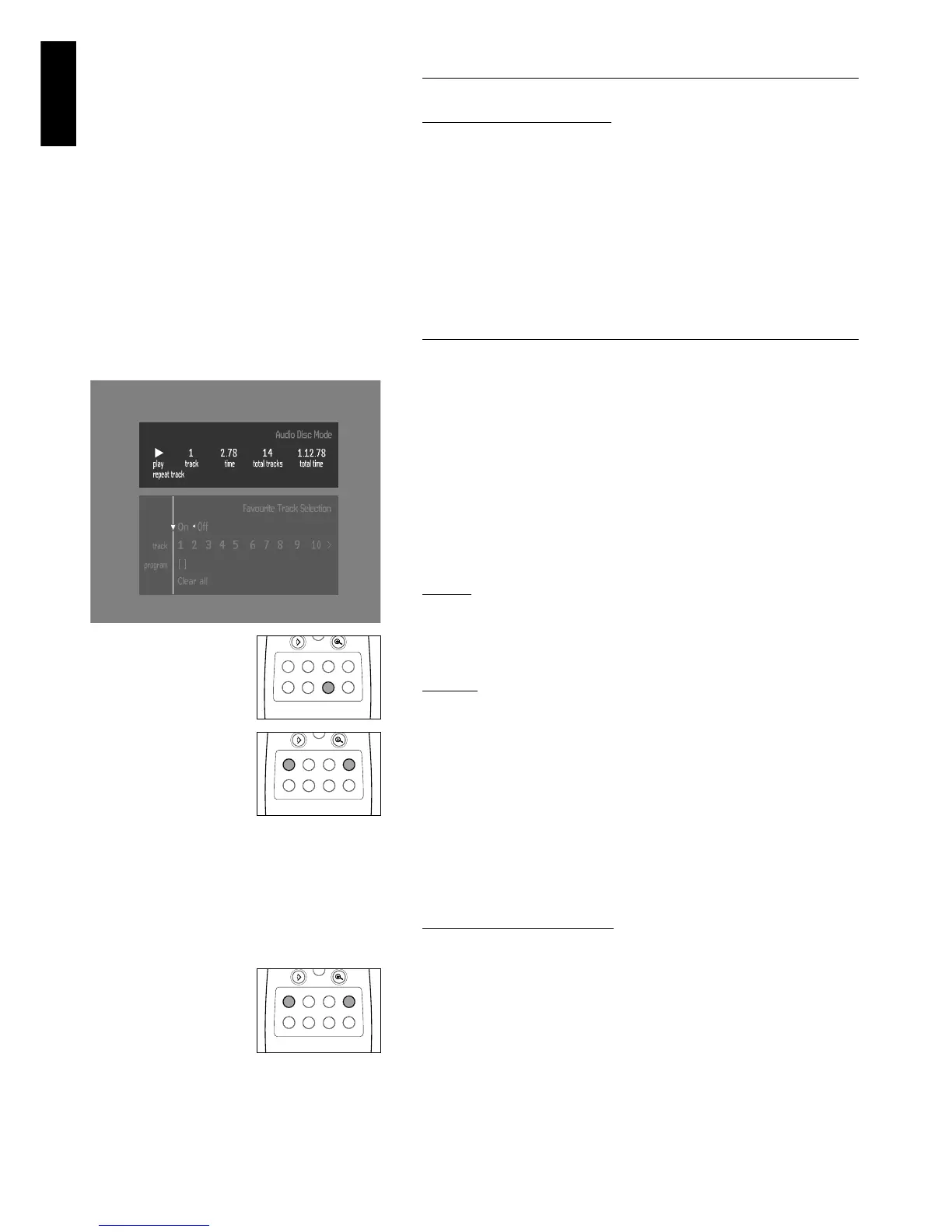
● If the TV is on, the Audio CD screen appears.
● The number of tracks and the total playing time will be shown on
the screen.
● During play, the current track number and its elapsed playing time
will be shown on the screen and on the player display.
● Playback will stop at the end of the disc.
● To stop play at any other time, press 9.
Pause
● Press ; during play.
● To return to play, press 2 .
Search
● To search forward or backward through the disc at four times normal
speed, hold down 5 or 6for about one second during play.
➤ Search begins, and sound is partially muted.
● To step up to eight times the normal speed, press 5 or 6 again.
➤ Search goes to eight times the speed, and the sound is
muted.
● To return to four times the normal speed, press 5 or 6 again.
● If the TV is on, search speed and direction are indicated on the
screen each time 5 or 6 is pressed.
● To end the search, press 2 to resume playback or 9 to stop.
Moving to another track
● Press P briefly during play to go to the next track.
● Press O briefly during play to return to the beginning of the
current track. Press O twice briefly to step back to the previous
track.
● To go directly to any track, enter the track number using the
numerical keys (0-9).



 To Next Page