28 OPERATION
ENGLISH
Still Picture and Frame-by-frame playback
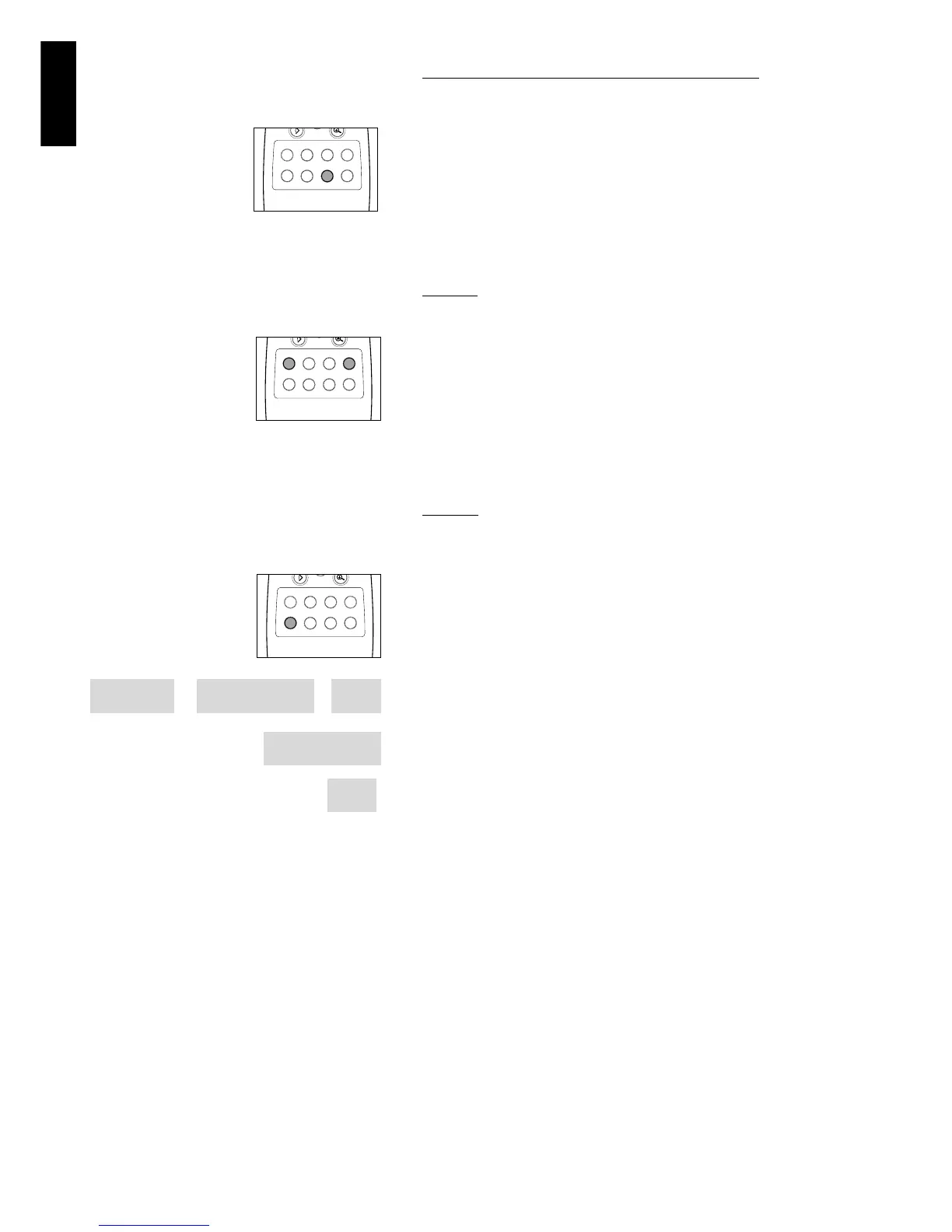
● Select e (picture by picture) in the menu bar.
● Use the w key to enter the picture by picture menu.
➤ The player will now go into PAUSE mode.
● Use the cursor keys t u to select the previous or next picture
frame.
● To exit Picture by picture mode, press 2 or v.
You can also step forward by pressing ; repeatedly on the remote
control.
Search
● Select g (Fast motion) in the menu bar.
● Use the w keys to enter the Fast Motion menu.
● Use the t u keys to select the required speed: -32, -8 or -4
(backward), or +4, +8, +32 (forward).
● Select 1 to play at normal speed again.
● To exit Fast Motion mode, press 2 or v.
To search forward or backward through different speeds, you can
also hold down Q or R.
Repeat
DVD-Video Discs - Repeat chapter/title/disc
● To repeat the currently playing chapter, press REPEAT.
➤
REPEAT CHAPTER appears on the player display.
● To repeat the title currently playing , press REPEAT a second time
➤ REPEAT TITLE appears on the display.
● To repeat the entire disc, press REPEAT a third time
➤ REPEAT appears on the display.
● To exit Repeat mode, press REPEAT a fourth time.
Video CDs - Repeat track/disc
● To repeat the track currently playing , press REPEAT.
➤ REPEAT TRACK appears on the player display.
● To repeat the entire disc, press REPEAT a second time.
➤ REPEAT appears on display and screen.
● To exit Repeat mode, press REPEAT a third time.



 To Next Page