4
2. Connecting to your home network
Wireless
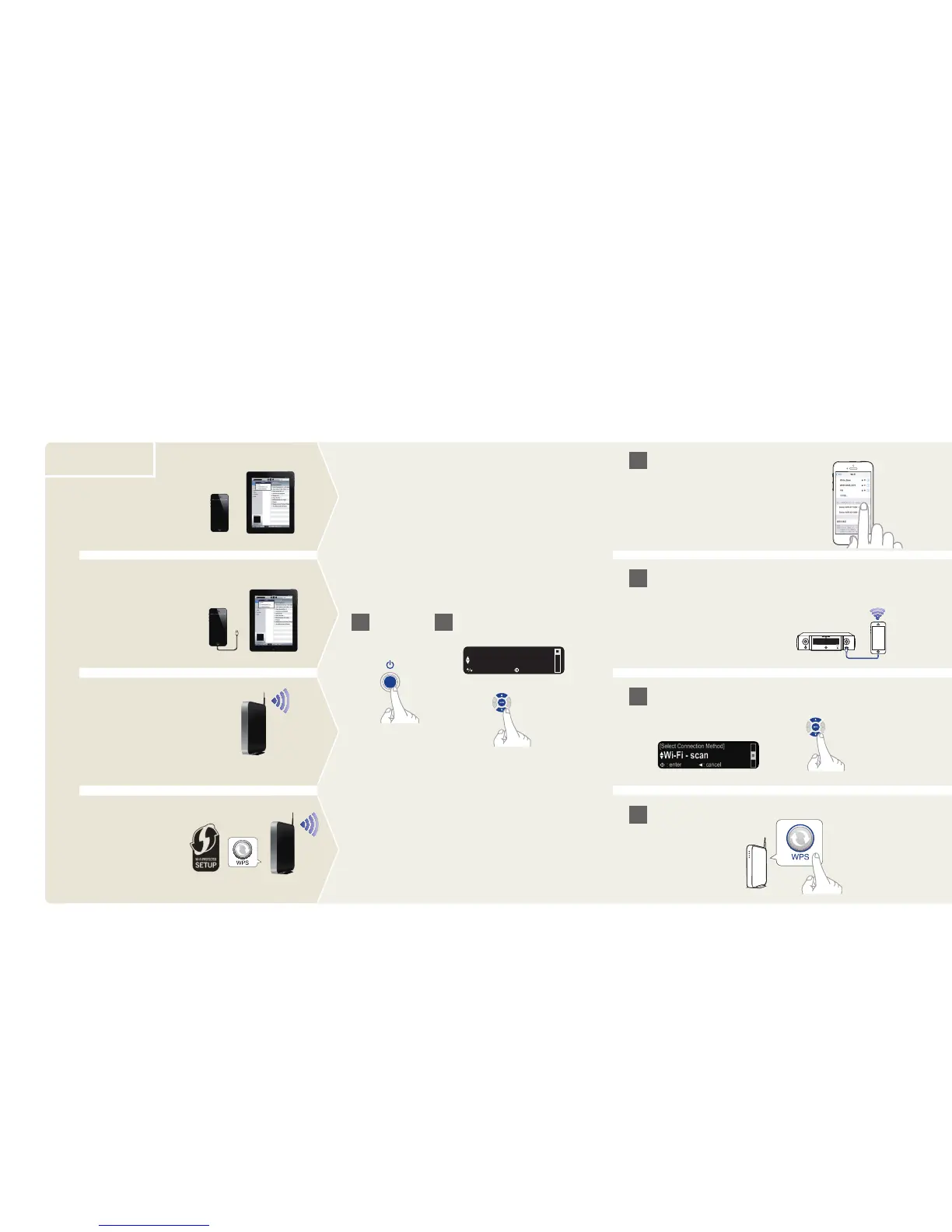
Press the WPS button
on your router
WPS router
Wi-Fi router
Choose from one of the following options
Select “Wi-Fi - scan” and wait as your M-CR511
looks for available networks
No WPS router
Wi-Fi router
iOS version 5 or later
iOS version 7 or later
Power on Select language
Make sure your iOS device is connected to your WiFi
Network. Connect your iOS device to the front using
your USB cable.
Make sure your iOS device is
connected to your WiFi Network.
Select the network named “Marantz
M-CR511” from the Settings/Wi-Fi
screen on your device



 To Next Page