DAB
Making the DAB settings.
Making the DAB settings
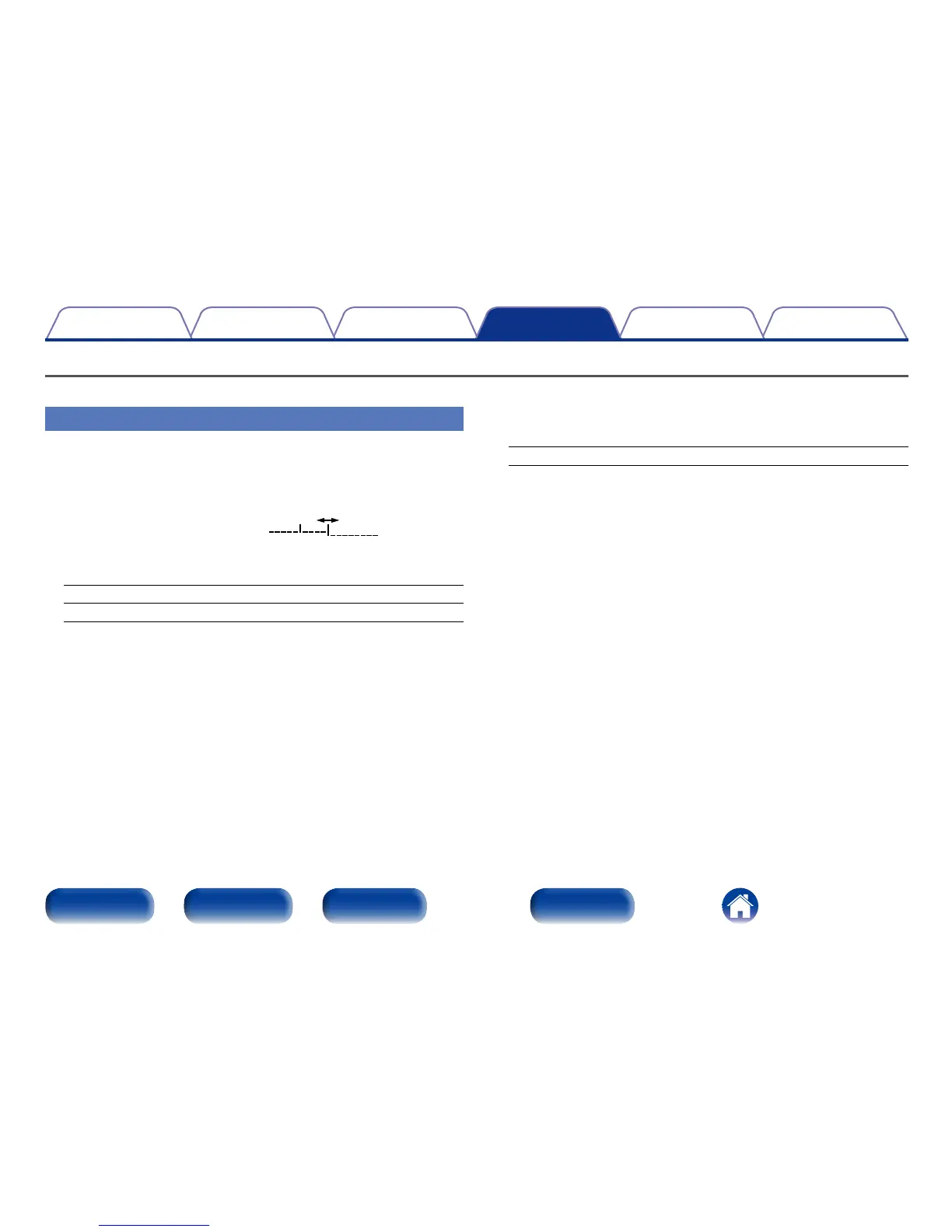
2 Tuning Aid
The reception sensitivity of the currently tuned in frequency is
displayed.
•The program can be received without noise when the cursor move to
the right of the sensitivity display.
2 Station Order
The service list is created with the auto scan function.
Multiplex : In order of frequency
Alphanumeric : In alphabetical order
2 DRC (Dynamic Range Control)
Compress dynamic range (dierence between loud and soft sounds).
O / 1/2 / 1
2 DAB Initialize
When the “DAB Initialize” procedure is performed, all the preset
memory settings for the stations and DABs are reset.
2 DAB Version
The DAB module’s version is displayed.



 To Next Page