6
Follow the instructions on the screen display and press
“Next” to proceed further.
7
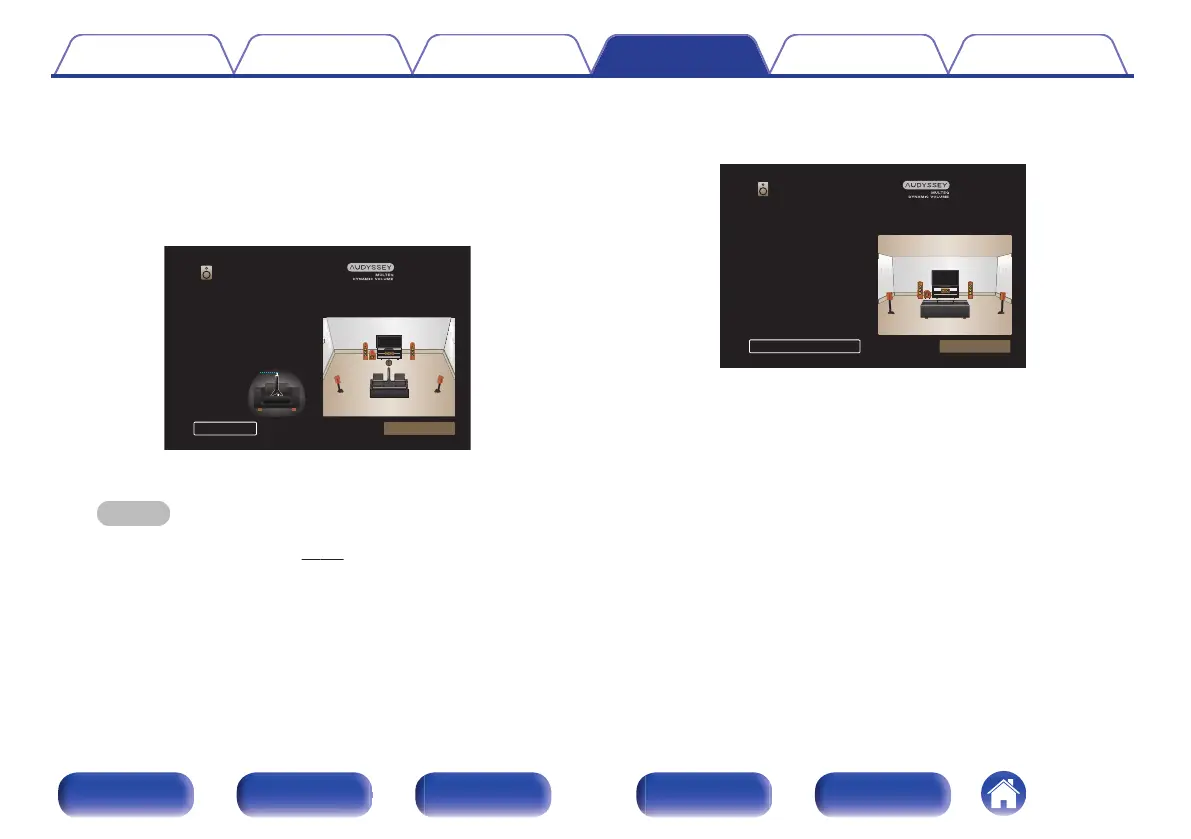
When the following screen is displayed, select “Begin
Test” and then press ENTER.
Start the measurement of the first position.
.
Select “Begin Test” to Start the Calibration.
NOTE: You will hear a series of loud test tones
starting and stopping during the tests.
Ear Height
Begin TestBack
Audyssey Setup
0
Measurement requires several minutes.
NOTE
0
If “Caution!” is displayed on TV screen:
0
Go to “Error messages” (v p. 154). Check any related items, and
perform the necessary procedures.
8
When the detected speaker is displayed, select “Next”
and then press ENTER.
.
Audyssey Setup
Speaker Detection
NextRepeat Last Test
Front
Center
Subwoofer
Surround
Yes
Yes
Yes
Yes
Contents Connections Playback Settings Tips Appendix
150
Front panel Display Rear panel Remote Index



 To Next Page